Filling in my details
In Coach → My details you save your details as a coach. You enter them once and Upwind24 uses them in two places:
- in new crews – the Coach card in the form of every crew you create fills itself in,
- in regatta entries – if the organizer collects coach details, they are added to your sailors’ entries. For youth regattas, coach details are often required by sports authorities.
Fill in your details
Section titled “Fill in your details”-
Open Coach → My details. If you haven’t saved any details yet, you see the message No coach details – click Add details.


-
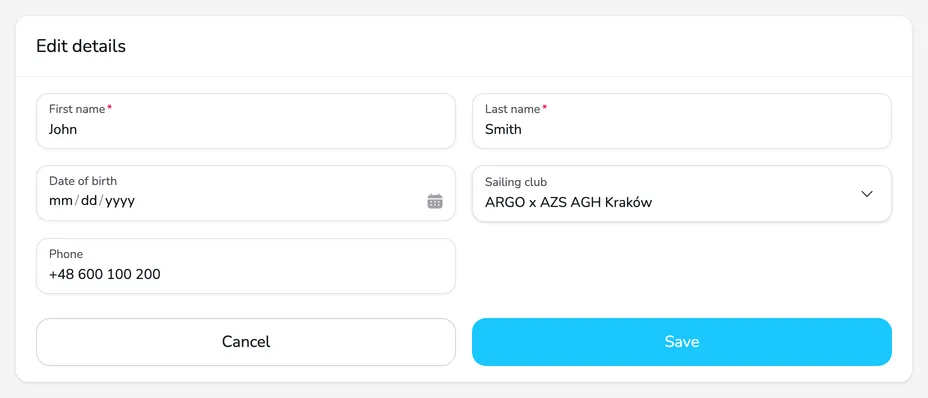
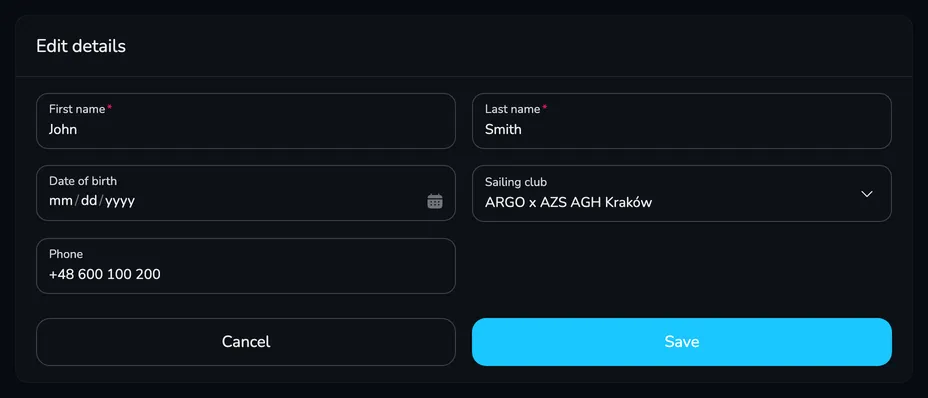
In the Edit details card, enter your First name and Last name (required) and – if you want – your Date of birth, Sailing club and Phone. If your club is not on the list, type its name and choose Add “…” to the list.
-
Click Save. You return to the My details page with the Coach card showing the saved details.
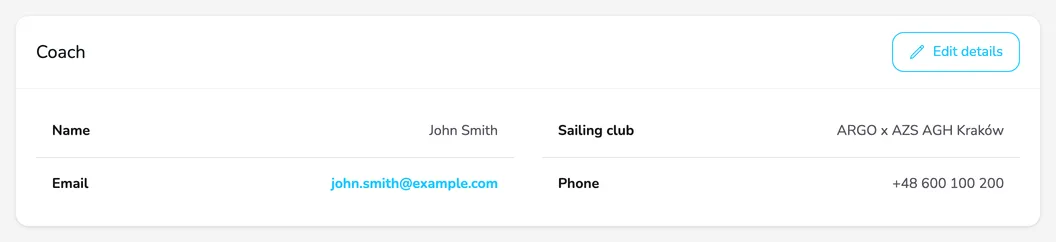
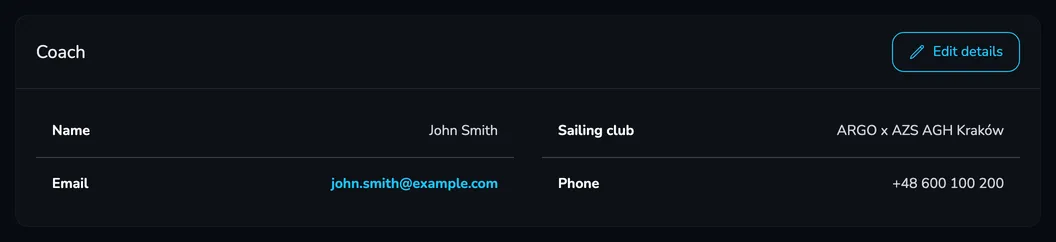
The e-mail address in your coach details is always the address of your account – you don’t enter it in the form. To change your details later, click Edit details.
Where your details are used
Section titled “Where your details are used”The new crew form. When you create a crew in Crews → Add new crew, the Coach card is already filled in with your details. You can change them for that crew only, or clear the card if the crew has a different coach.
Regatta entries. The organizer decides whether to collect coach details and which of them are required (e.g. date of birth, club, e-mail or phone). If they do, the entry form of each crew contains a Coach card filled in with the crew’s details. Check that all the required fields are filled in.
Questions and answers
Section titled “Questions and answers”Who can see my coach details?
Your details are visible to the people you share a crew with (e.g. a sailor or their parent who accepted the invitation) and, in entries, to the regatta organizer. Coach details are not published on the public regatta pages.
I can’t see the Coach section in the menu. Why?
The Coach section is only shown when your account has the Coach type. Add it in your account settings – the menu updates as soon as you save.
Next steps
Section titled “Next steps”
Manage the regatta yourself with an easy-to-use online platform.
© 2026 Upwind24. All rights reserved.