Notices
Notices are the online version of the official regatta notice board. Use them to publish amendments to the sailing instructions, race committee information, calls for protest hearings or announcements of the measurement committee. Each notice has a number, a publication date and time, a sender and a signature, and participants with notifications enabled learn about it immediately on their phone or computer.
Enable the notice board on the regatta page
Section titled “Enable the notice board on the regatta page”

While the notice board is hidden, the Notices tab in the panel shows the warning Notice board tab is hidden on the regatta page. Enable it in settings to publish notices for participants.


Add a notice
Section titled “Add a notice”-
In the panel menu, in the Regattas section, choose the regatta from the list and click Notices.
-
Click Add new notice.
-
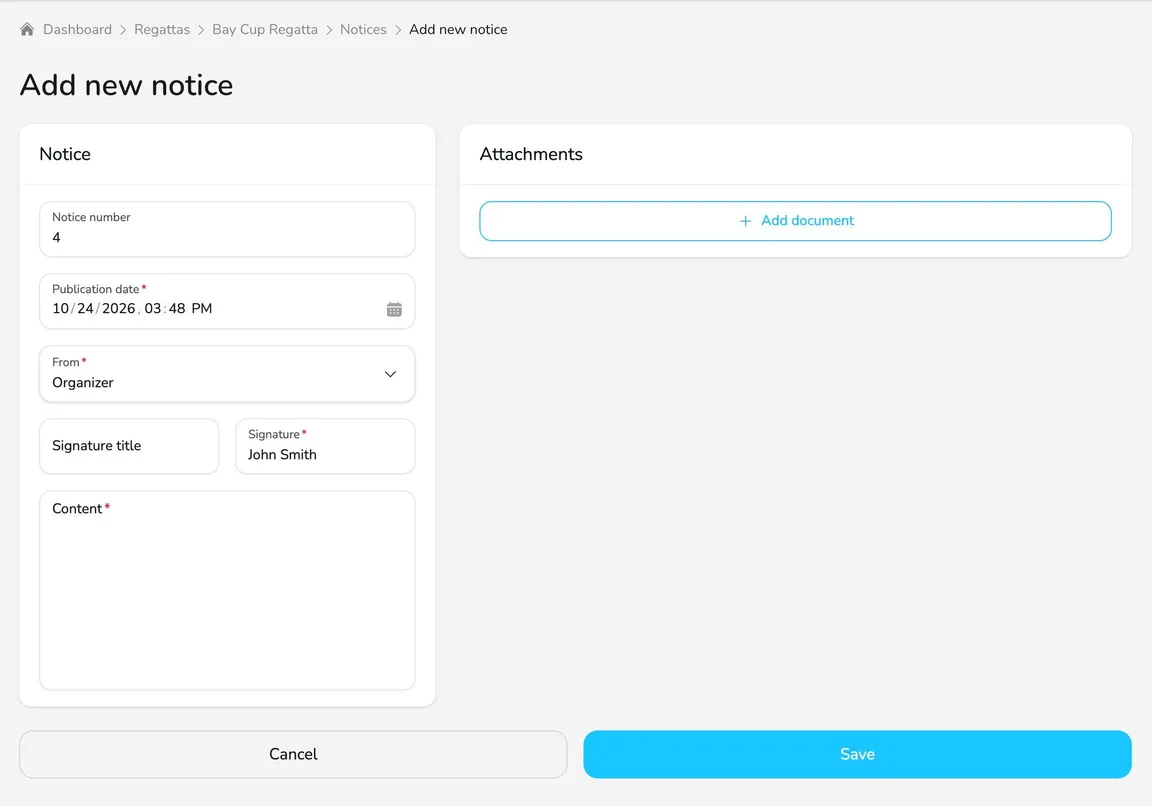
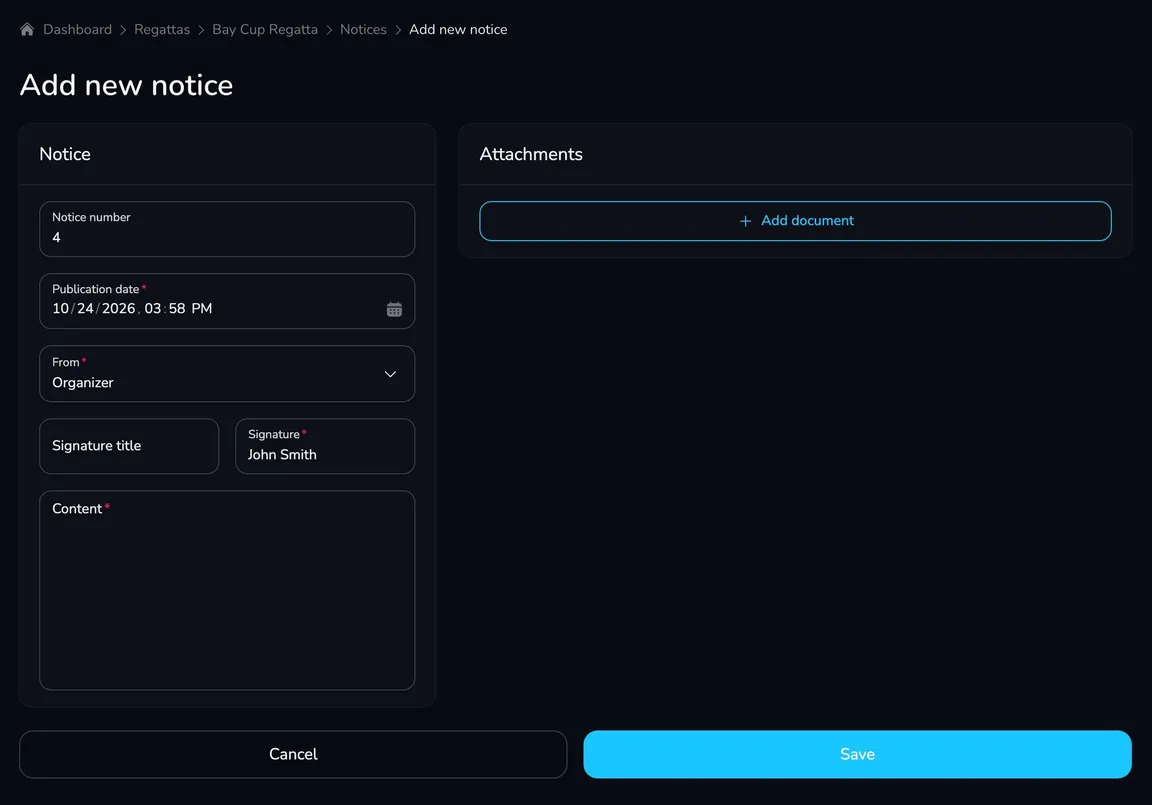
On the Notice card, check the Notice number (Upwind24 suggests the next number) and the Publication date (the current date and time by default).
-
In the From field, choose the sender: Organizer, Jury, Protest Committee, Measuring Committee or Other.
-
Fill in the Signature (e.g. a name or a committee name) and optionally the Signature title (e.g. Jury Chair).
-
Enter the notice Content.
-
To attach files (e.g. amended sailing instructions), click Add document on the Attachments card, choose the file and enter its Name and Description.
-
Click Save. You will see the message Notice has been created successfully.
Where do participants see notices?
Section titled “Where do participants see notices?”Notices appear on the regatta page, on the Notice board tab, with the newest at the top. Each notice is labeled Notice no. … with the date, time and sender, and attachments can be downloaded below the content.
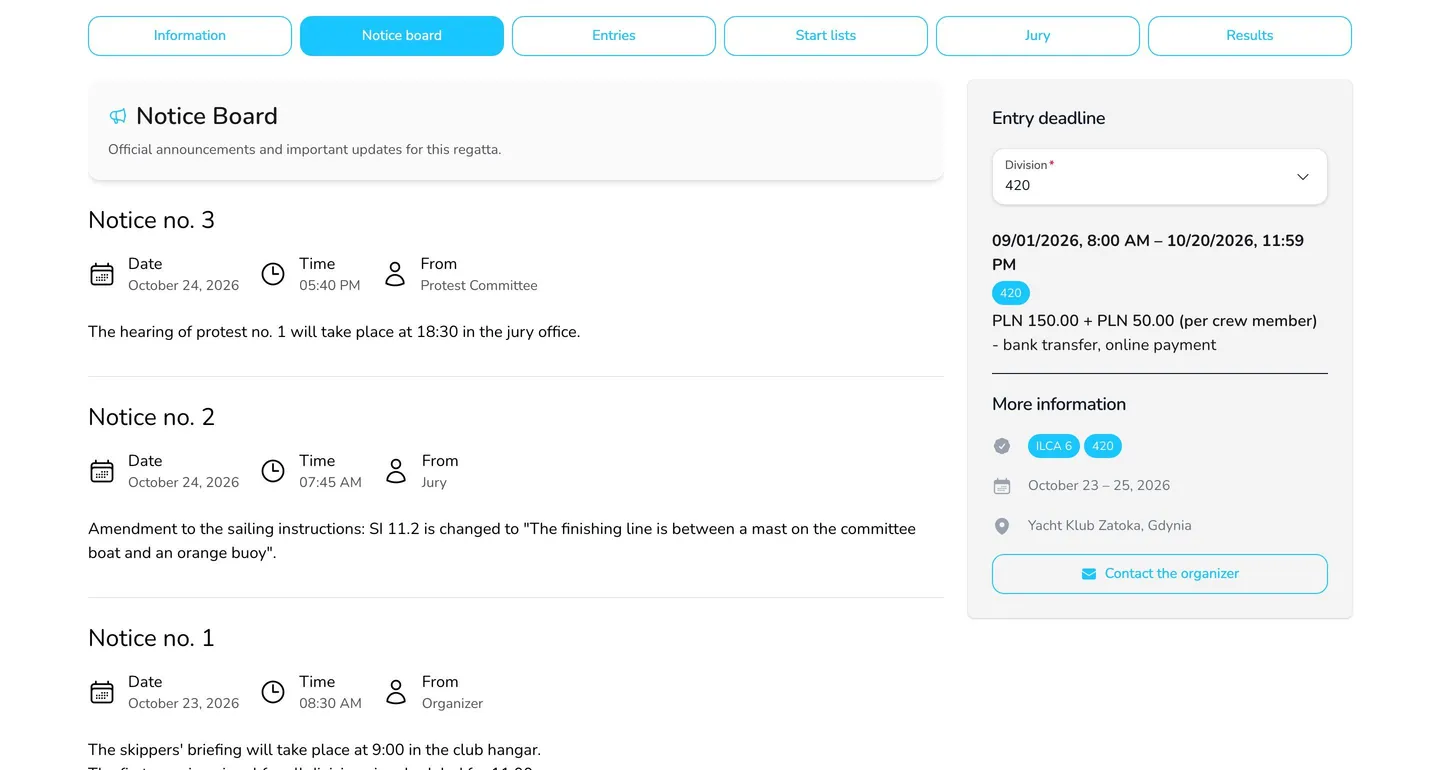
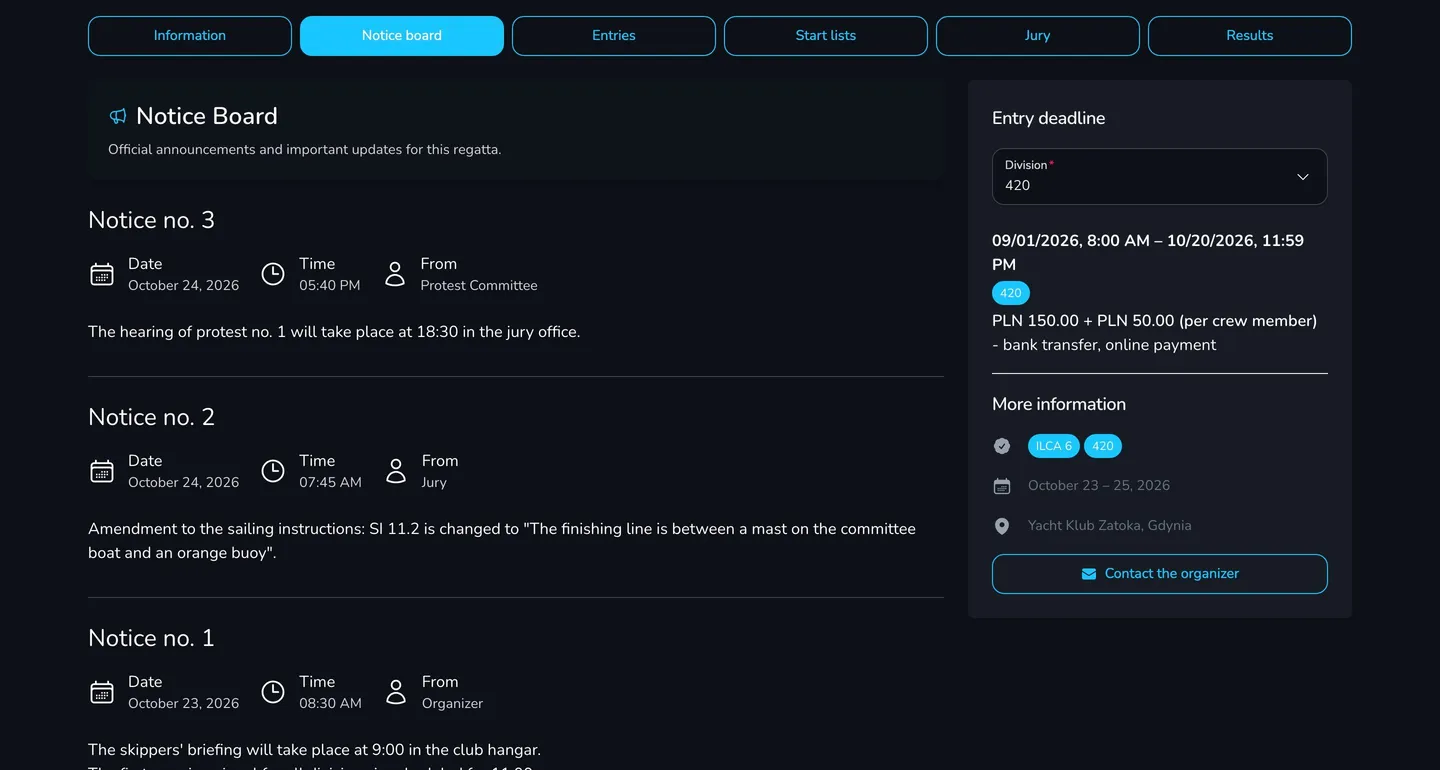
Participants who enabled regatta notifications and selected New notice on the notice board receive a push notification about every new notice.
Manage notices
Section titled “Manage notices”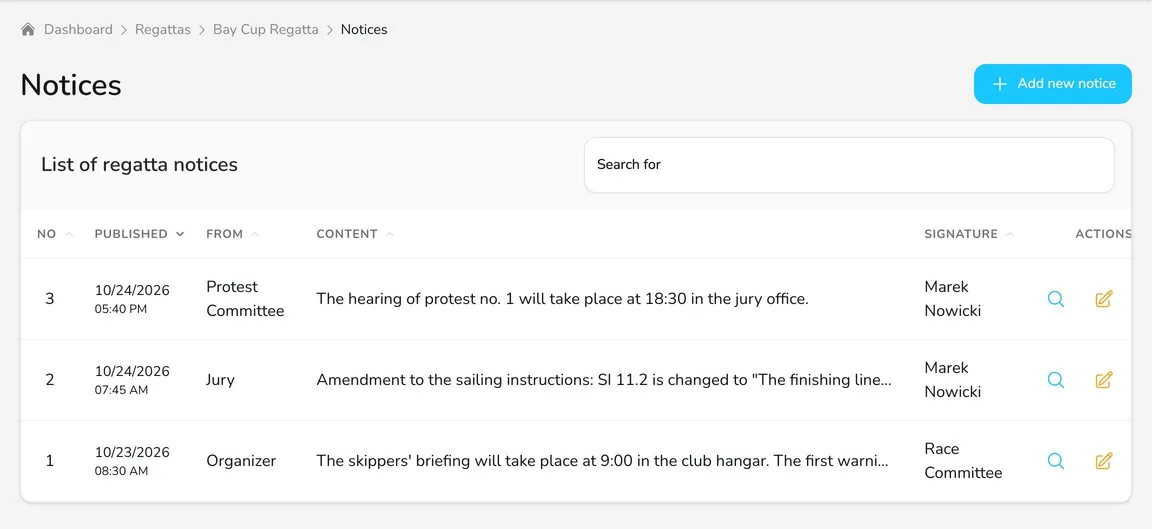
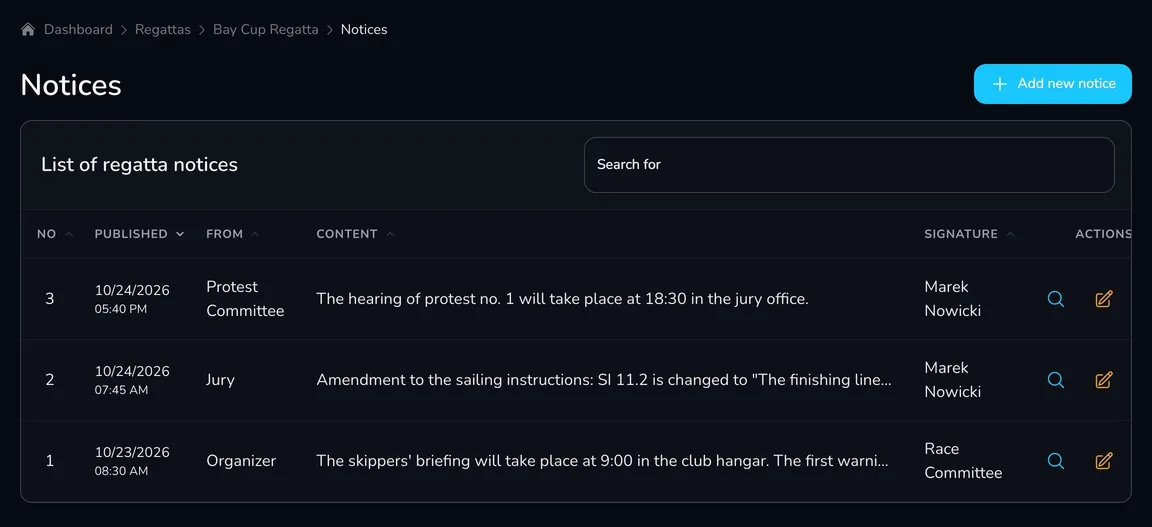
In the List of regatta notices table, each notice has these actions:
- View – preview the notice,
- Edit – correct the content, number, sender or attachments,
- Delete – remove the notice from the notice board. Upwind24 asks for confirmation, and this cannot be undone.
Questions and answers
Section titled “Questions and answers”How are notices different from news?
Notices are official regatta announcements (the equivalent of the race office notice board) – short, numbered and signed by the sender. News are articles with a photo, e.g. reports from each day of racing, shown on the Information tab of the regatta page.
Does editing a notice send the notification again?
No. Notifications are sent only when a new notice is added. If the change matters to participants, publish it as a new notice with the next number.
Do I have to number the notices?
The number is optional, but it makes it easier for participants and the jury to refer to specific notices. Upwind24 suggests the next number for every new notice.
What’s next?
Section titled “What’s next?”
Manage the regatta yourself with an easy-to-use online platform.
© 2026 Upwind24. All rights reserved.