

What is Upwind24?
Upwind24 is an online platform for organizing and taking part in sailing regattas. It brings everything that happens around an event into one place: the regatta website, online entries and entry fees, notices for participants, the jury, results published as they come in and rankings. It works in the browser – on a computer, a tablet and a phone – with nothing to install.
Public pages
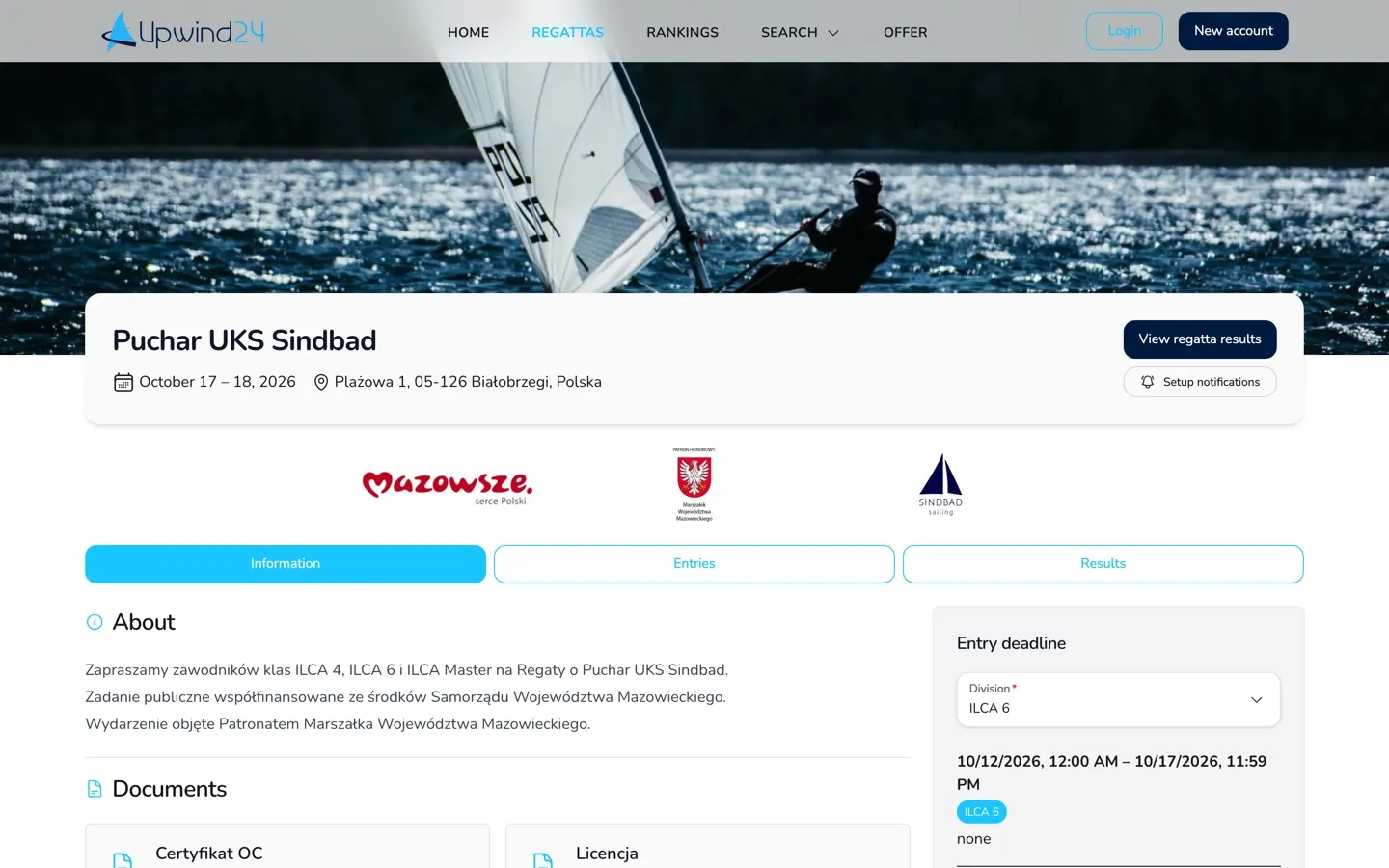
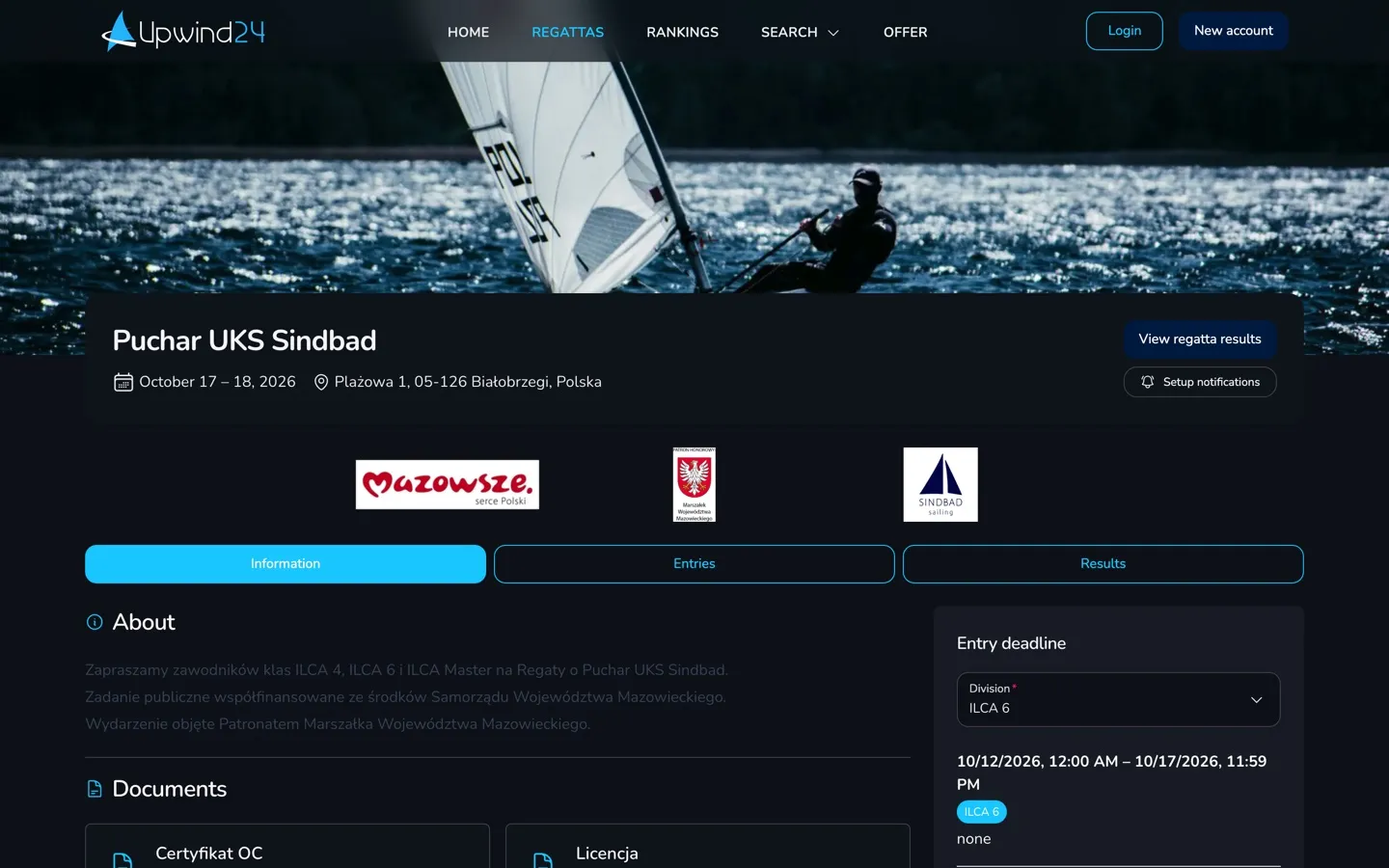
Section titled “Public pages”Part of the platform is available to everyone, without an account. From the menu at the top of the page you can go to:
- Regattas – the list of current, upcoming and archived regattas. Each regatta has its own page with the Information, Notice board, Start lists, Entries, Results and Jury tabs. Which tabs you see depends on the modules the organizer uses.
- Rankings – cup classifications and rankings combining the results of many regattas, updated automatically after each event.
- Search – the regatta search (by location, date or class) and the competitor search (by name, sailing club or country) with the competitors’ results history.
User panel
Section titled “User panel”After signing in, you get access to the user panel. This is where you send and track entries, manage your crews, organize regattas and change your account settings. The panel’s home page adapts to your account type – among others, it shows the Upcoming regattas, My crews or My regattas with the regatta page views statistics.
Who is it for?
Section titled “Who is it for?”When you create an account, you choose one or more account types. Each of them unlocks a different set of tools in the panel.
For competitors and their parents who want to enter regattas faster and follow their results.
- Save the boat, helmsman and crew details in Crews → Add new crew – the entry form fills itself in for your next entries.
- Send regatta entries (Entries → Send new regatta entry) and review them in Entries → My entries.
- Invite the other crew members – they share the crew details with you and see its entries.
- Browse your crew’s archival regatta results and ranking positions.
For coaches and team leaders who enter many crews into regattas.
- Manage multiple crews from a single account in the Crews section.
- Aggregate the entry fee payments of all your crews.
- Fill in your details in Coach → My details to attach them to your sailors’ entries (often required by sports authorities).
- Follow the results and statistics of all your sailors.
For regatta organizers, race officials and race offices. All the regatta management tools are in the Regattas section of the panel.
- Create a regatta in Regattas → Create new regatta and publish its page with documents, partner logos and, in higher plans, its own subdomain.
- Collect entries and entry fees online and issue invoices directly from the platform.
- Publish Notices, News and start lists for the participants.
- Run the Jury – receive protests and hearing requests, publish decisions and penalties.
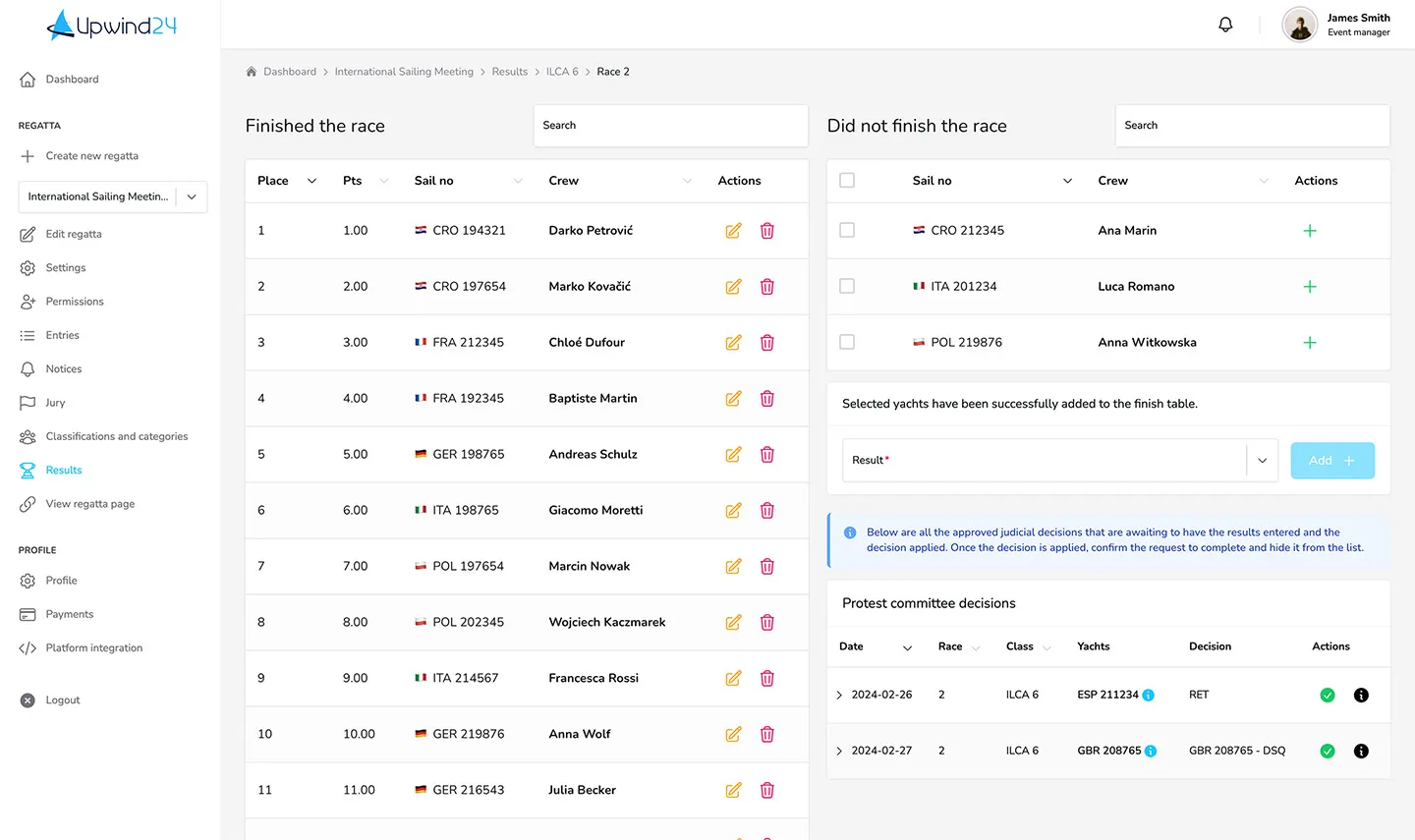
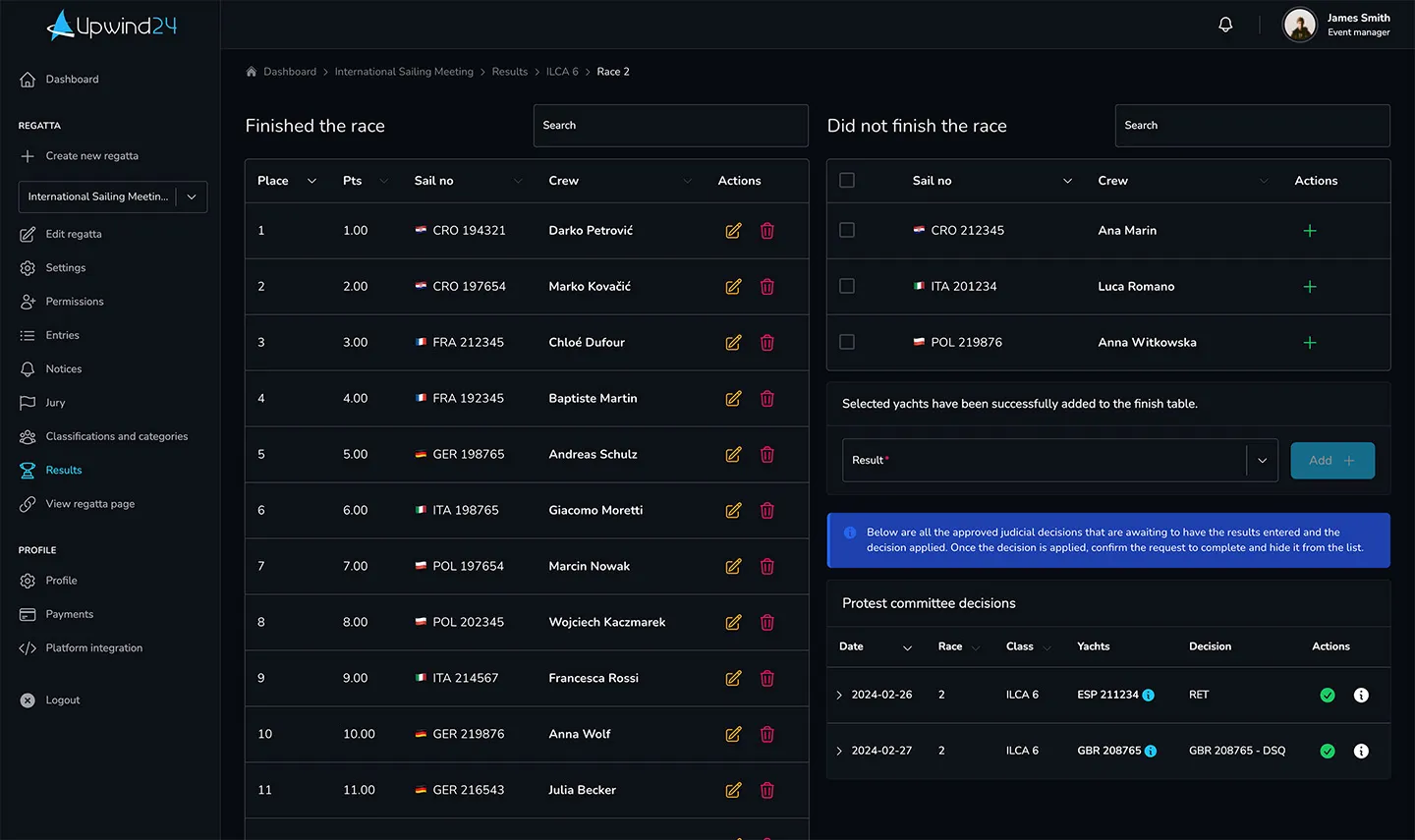
- Enter finish sheets in Scoring – the results are recalculated and published as you go.
- Add other regatta managers in Permissions.
Questions and answers
Section titled “Questions and answers”Is Upwind24 free to use?
Creating an account is free, and sailors and coaches use the panel at no cost – the regatta entry fees are set by the organizer. Organizers choose a regatta plan: the free Starter plan lets you try out the platform, while the paid plans raise the limits (e.g. the number of entries and classes) and unlock features such as online payments, a subdomain, invoicing or the jury. Compare the plans on the Offer page.
Do I need an account to enter a regatta?
No. The entry form on the regatta page (find it in the regatta list) is open to everyone. An account comes in handy if you race regularly, though – you enter your crew details only once and find all your entries and results in one place.
Next steps
Section titled “Next steps”

Manage the regatta yourself with an easy-to-use online platform.
© 2026 Upwind24. All rights reserved.