

Adding sailors
In a coach account, each sailor is a separate crew – a saved set of the yacht, skipper, crew member and coach details. Once you save all your sailors this way:
- you enter them into a regatta with a single form and pay the entry fees with one payment – see Regatta entries,
- your coach details are added to the entries automatically – see Filling in my details,
- you see the results and rankings of all your sailors in one place – see Results archive.
There are two ways to add sailors: create their crews yourself, or accept an invitation from a sailor who already has a crew in Upwind24.
Create a sailor’s crew
Section titled “Create a sailor’s crew”-
Open Crews → Add new crew.
-
In the General information and Yacht cards, choose the sailor’s nationality, club, class and sail number.
-
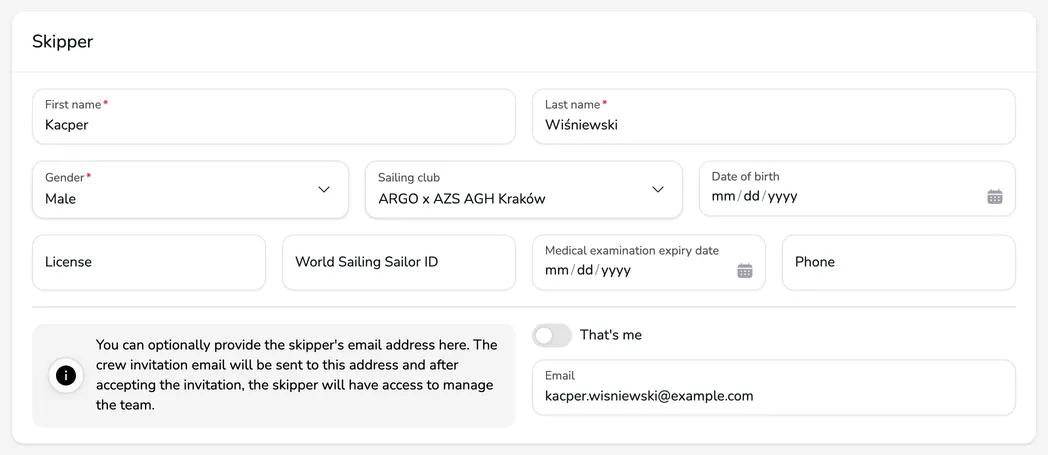
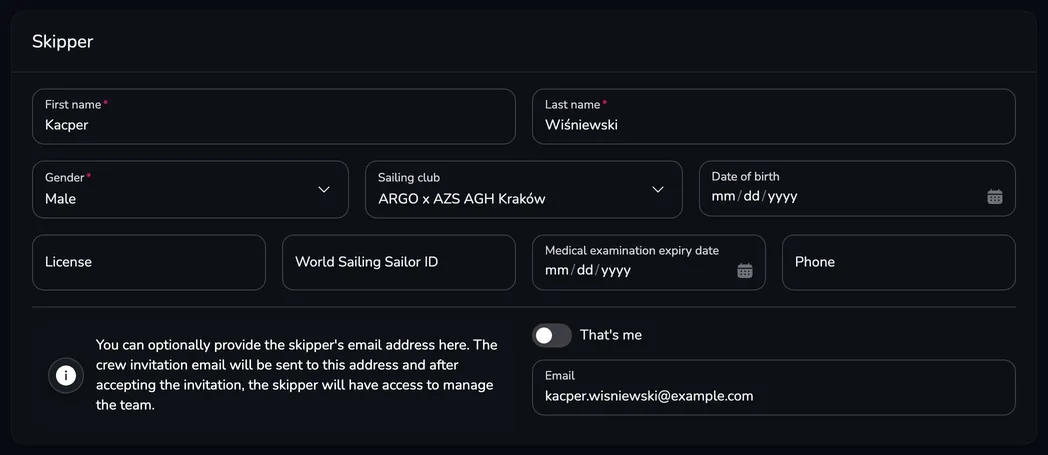
In the Skipper card, enter the sailor’s details: First name, Last name and Gender and – importantly – the License or World Sailing Sailor ID. Don’t turn on That’s me – the sailor is the skipper, not you. If the sailor (or their parent) should also see the crew in their own account, enter their address in the Email field.
-
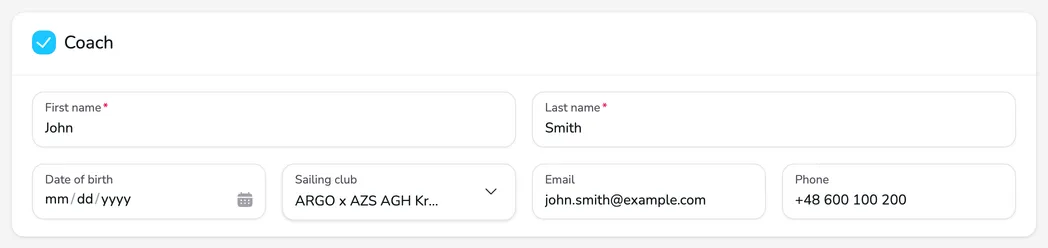
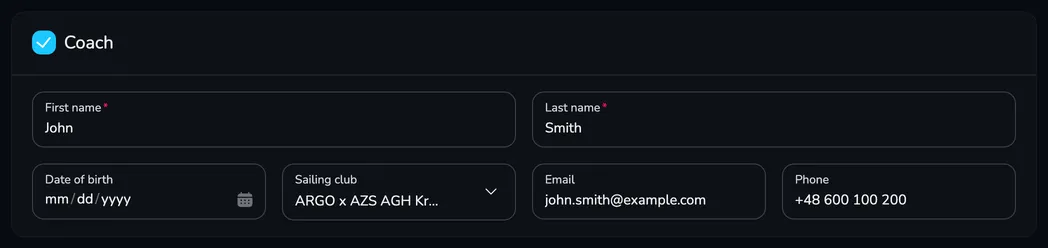
Check the Coach card – it is already filled in with your details.
-
Click Save. Repeat these steps for each sailor – each sailor (or each boat line-up) is a separate crew.
You can find a detailed description of all the form fields in Creating and joining a crew.
Join a sailor’s crew
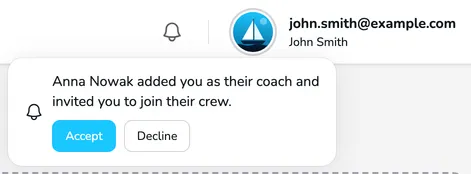
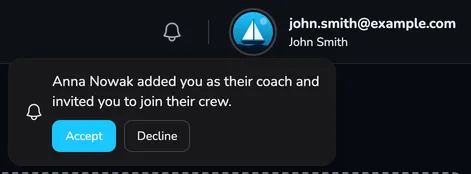
Section titled “Join a sailor’s crew”A sailor who already has a crew in Upwind24 can name you as their coach – they just enter your details and the e-mail address of your account in the Coach card of their crew. You then receive the e-mail You’ve been invited to join a crew as a coach and a notification in the panel.
-
Click the bell icon in the top bar of the user panel.
-
Next to the invitation, click Accept (or Decline).
-
The sailor’s crew appears in the Crews section of your panel – you can edit it, enter it into regattas and browse its results.
Switch between your sailors
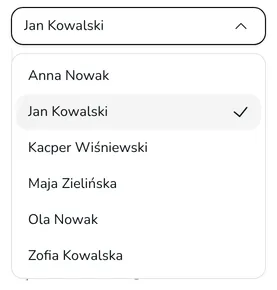
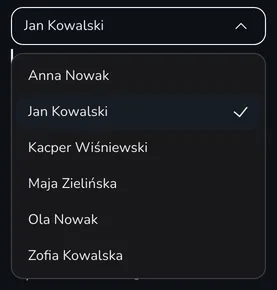
Section titled “Switch between your sailors”All crews – created by you and accepted from invitations – are listed in the Crews section of the menu on the left. The list shows the crew name – usually the skipper’s name. After choosing a crew, go to its details (Crew details) or results (Results).
Questions and answers
Section titled “Questions and answers”The sailor already has their own crew. Do I need to create it again?
No. Ask the sailor (or their parent) to edit their crew and enter your name and the e-mail address of your account in the Coach card. Once they save the changes, you get an invitation – just accept it.
Does the sailor see the changes I make to their crew?
Yes, if the crew is shared – that is, the sailor created it or accepted your invitation. Both of you then work on the same details and see the same entries and results.
Next steps
Section titled “Next steps”

Manage the regatta yourself with an easy-to-use online platform.
© 2026 Upwind24. All rights reserved.