One form
You tick the crews on a list, and their entry forms are already filled in with the crew details.
As a coach, you enter all your sailors into a regatta at once – with a single wizard, instead of filling in a separate form for each crew.
One form
You tick the crews on a list, and their entry forms are already filled in with the crew details.
One payment
The entry fees of all entries are combined into a single payment, which you settle with one transfer.
One set of invoice details
If the organizer issues invoices, you enter the invoice details (e.g. your club’s) once for all entries.
One confirmation
You receive one e-mail confirming all the entries, with the entry form and a calendar event.
Open Entries → Send new regatta entry, find the regatta and click Send entry.
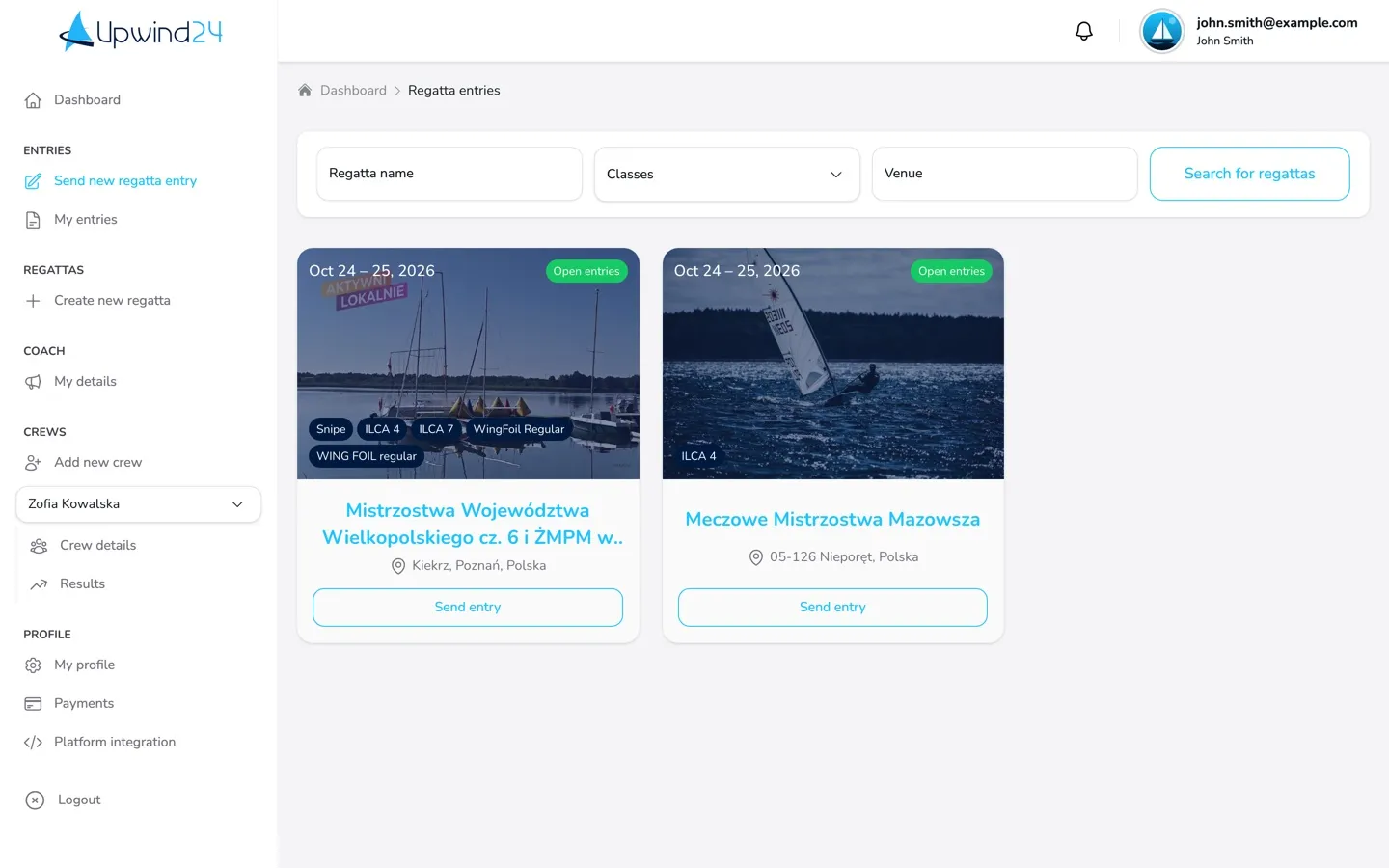
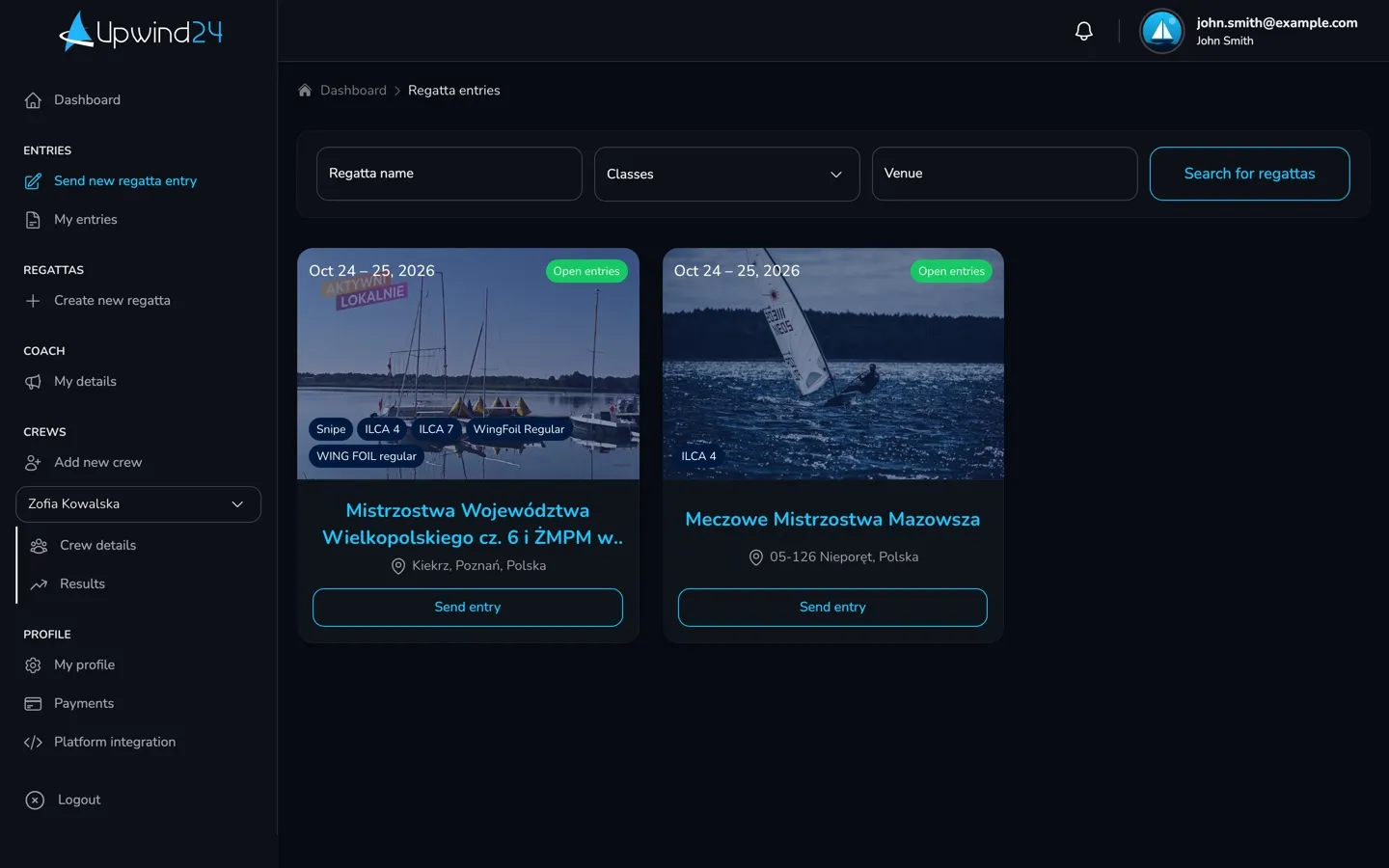
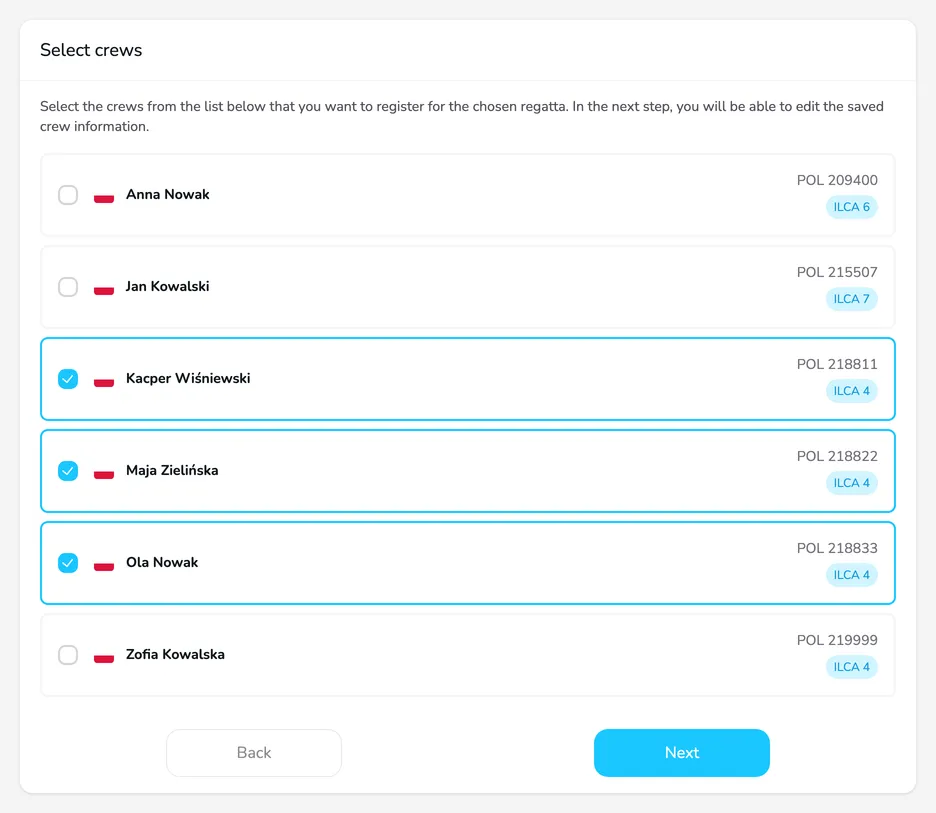
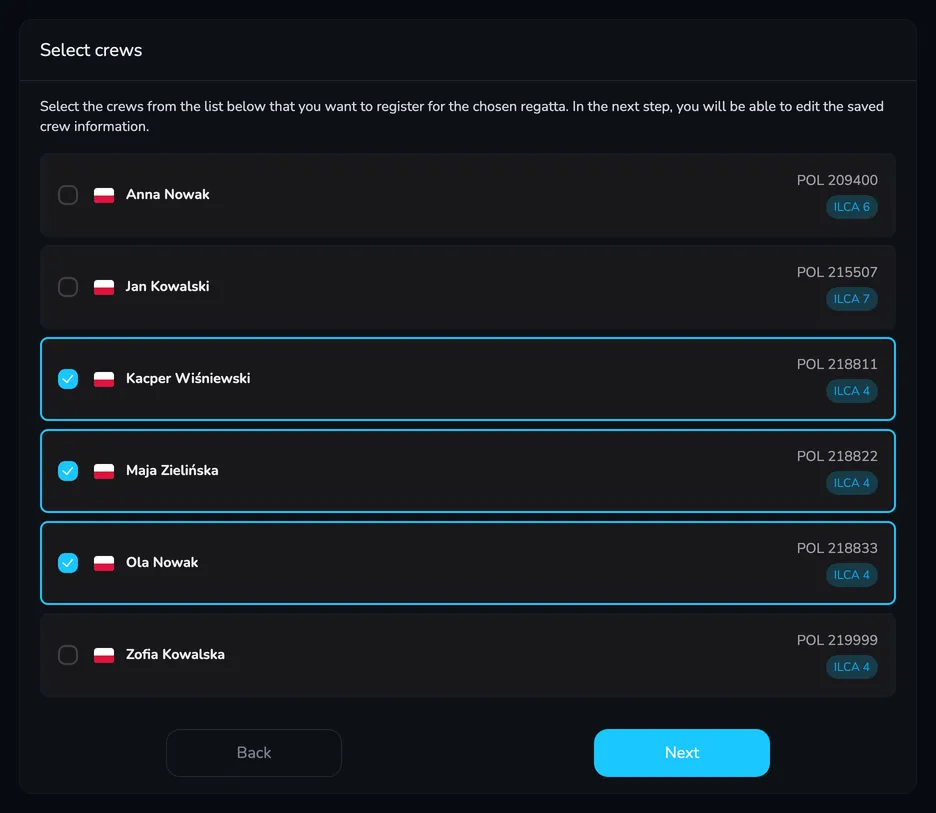
Select crews – tick all the sailors you want to enter and click Next.
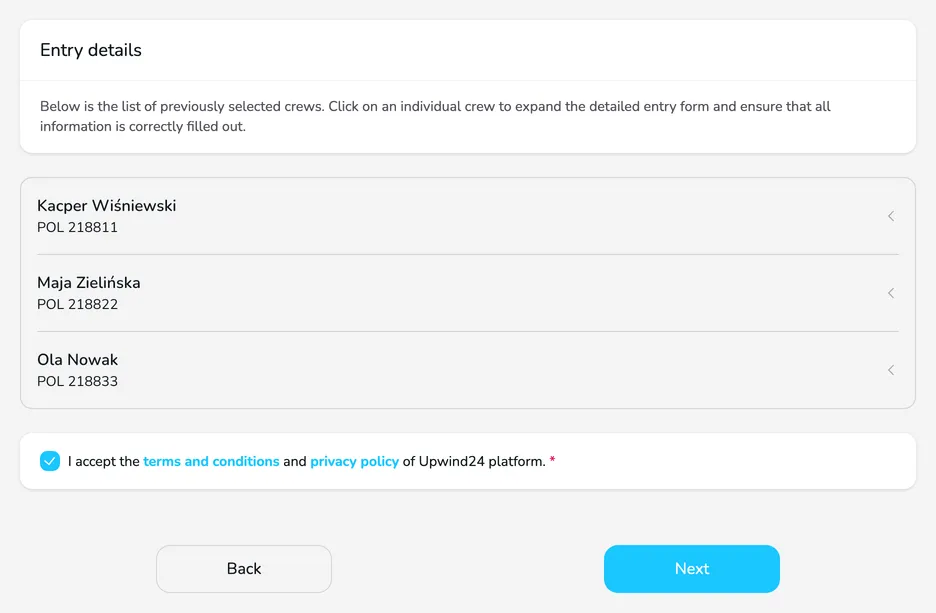
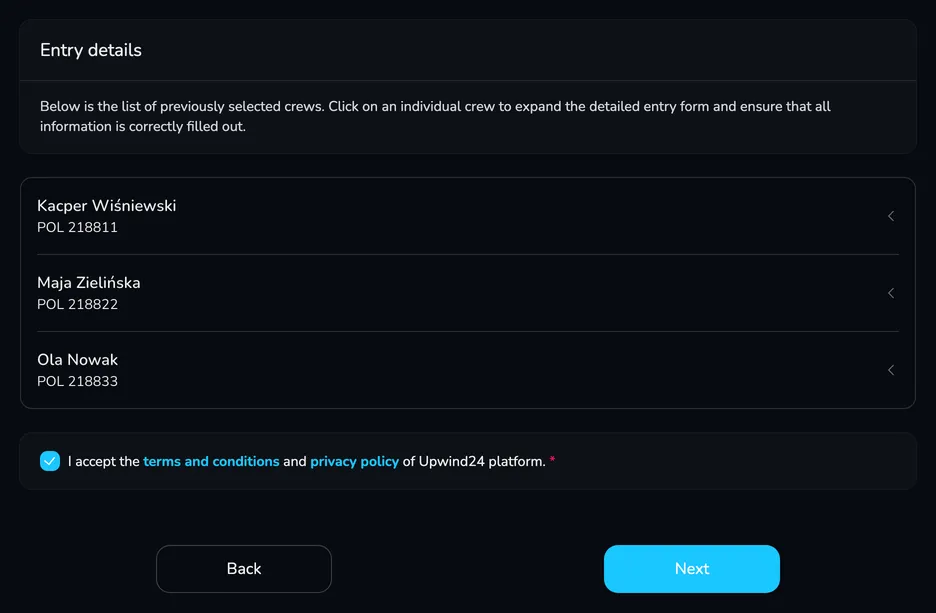
Entry details – each crew has its own form, filled in with its details. In each of them, choose the Division and check the fields marked with an asterisk. You collapse and expand a form by clicking the sailor’s name. If the organizer collects coach details, each form has a Coach card, and if they issue invoices, a single shared Invoice details card appears below the forms. Accept the terms and click Next.
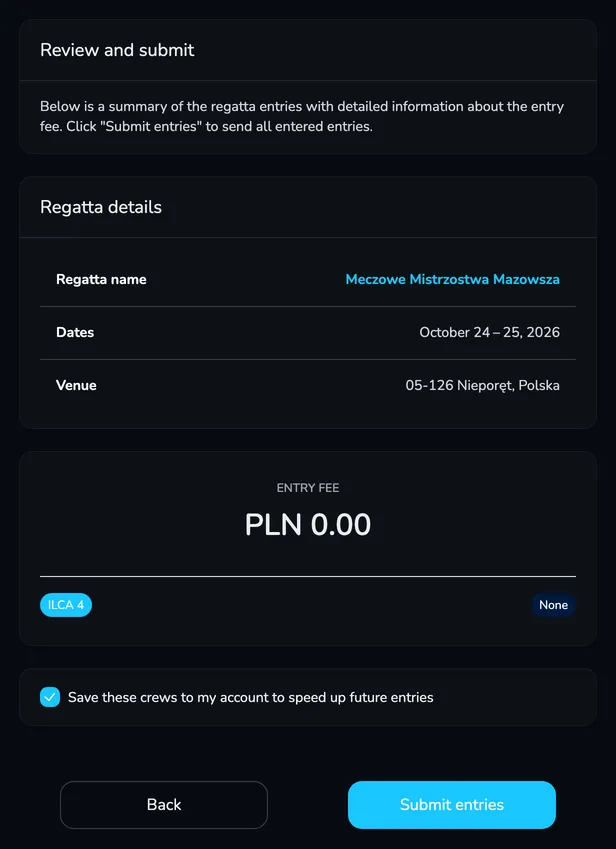
Review and submit – check the regatta details and the total Entry fee for all entries. Click Submit entries.
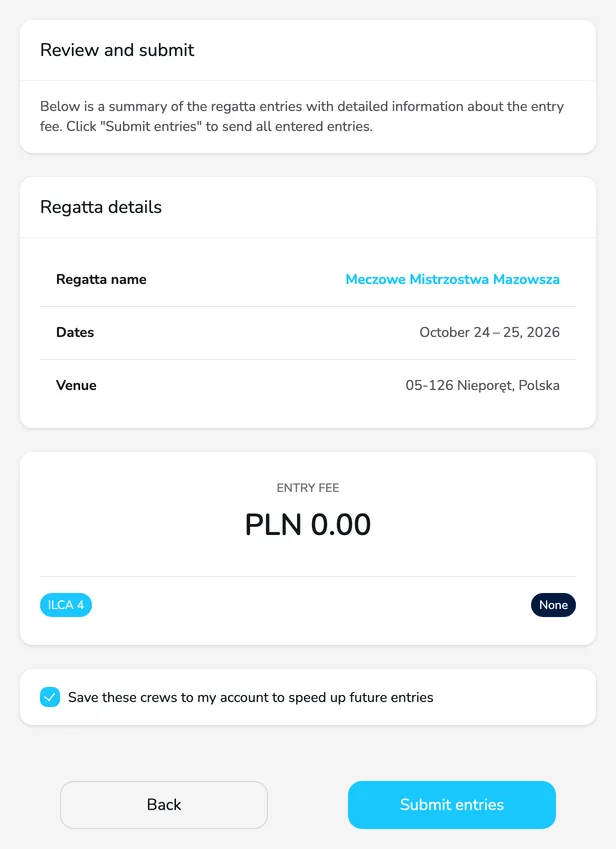
Once sent, you see the message Your entries have been successfully submitted. and Upwind24 opens the entry details in Entries → My entries.
If the regatta is paid, Upwind24 creates one payment for all the entries you sent.
Yes. You choose the division separately in each crew’s form, and the summary in the last step shows the entry fee for each division and the total.
The confirmation e-mail goes to the address of your account. However, sailors (or their parents) who accepted the crew invitation see the entry in their own My entries, and all participants see it in the entry list in the Entries tab of the regatta page.
Manage the regatta yourself with an easy-to-use online platform.
© 2026 Upwind24. All rights reserved.