
News
News are articles with a photo published on the regatta page – reports from each day of racing, announcements, information about the prize giving or thanks to the partners. They keep the regatta page alive for supporters and sailors’ families too.
Add news
Section titled “Add news”-
In the panel menu, in the Regattas section, choose the regatta from the list and click News.
-
Click Add news.
-
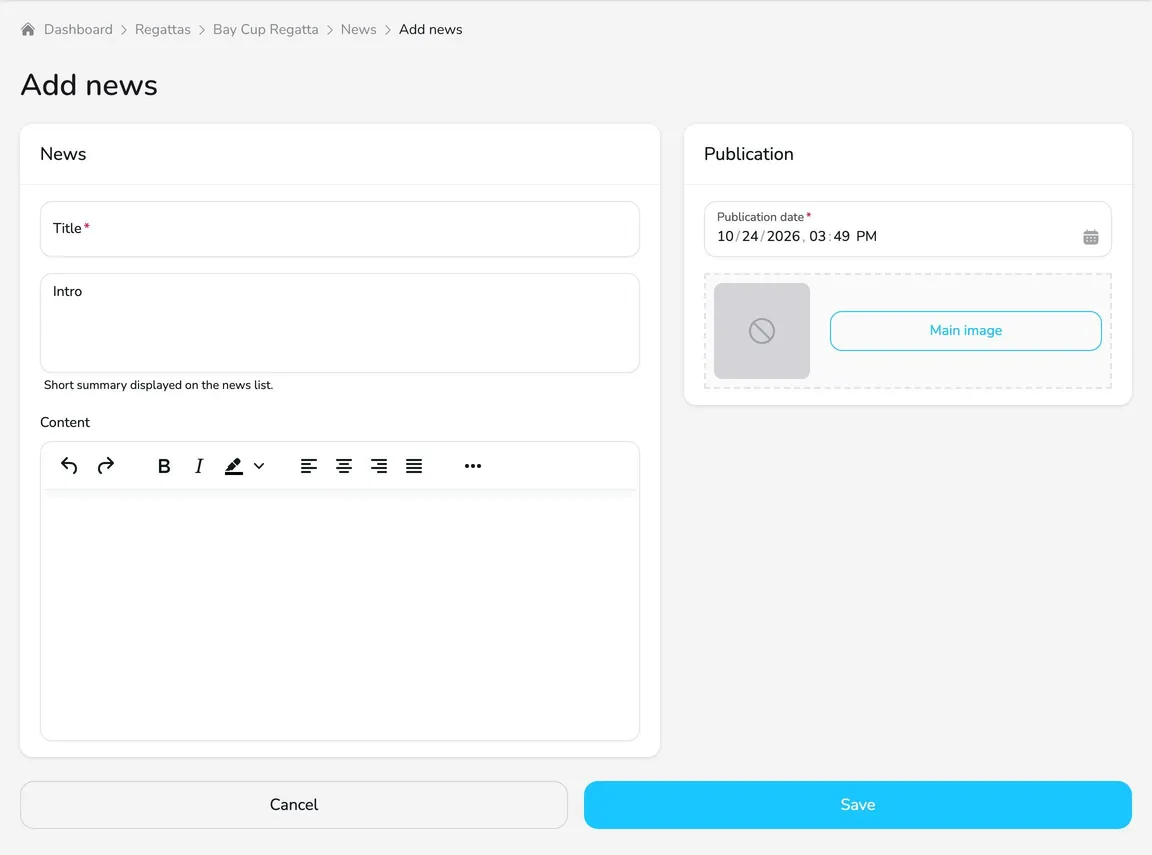
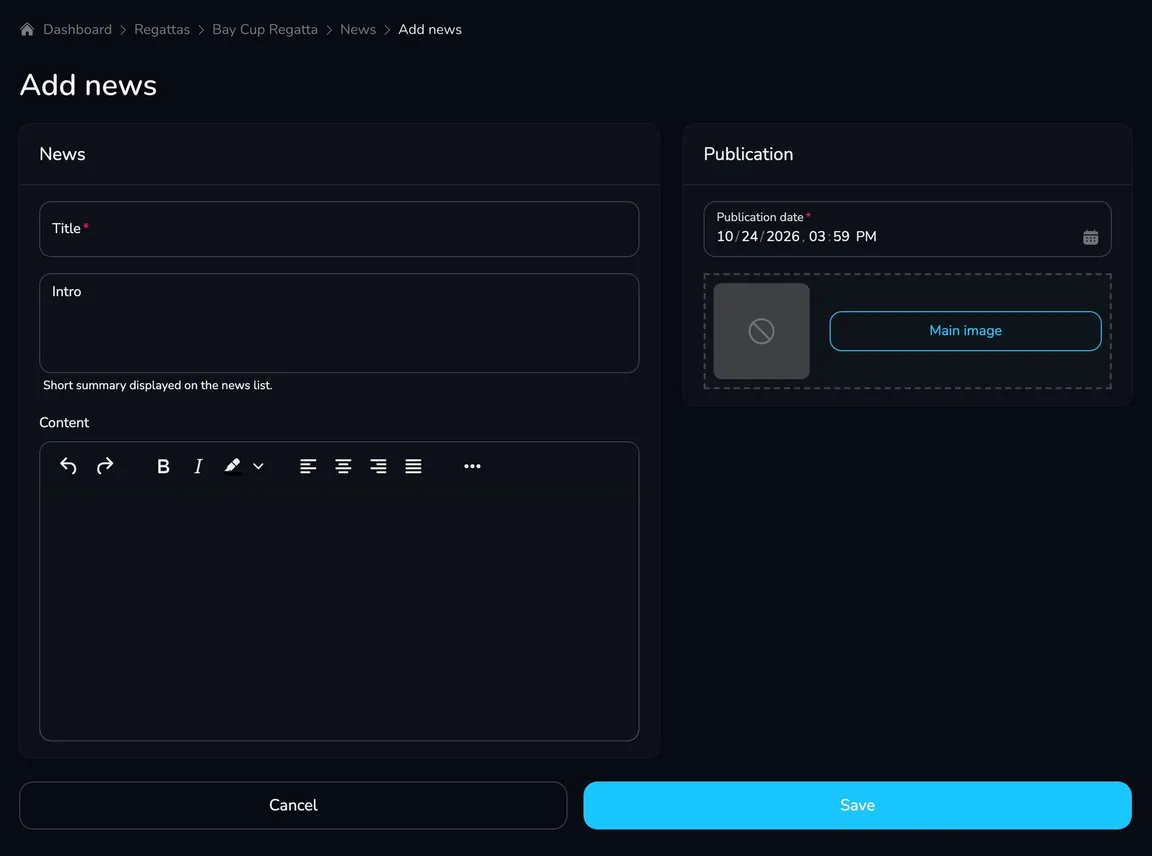
On the News card, enter the Title, a short Intro (shown on the news list) and the article Content. The content editor lets you format text and add lists and links.
-
On the Publication card, check the Publication date and add the Main image (JPG, GIF or PNG up to 3 MB).
-
Click Save. You will see the message News has been created successfully.
Where is news shown?
Section titled “Where is news shown?”News appear on the regatta page, on the Information tab, in the News section – below the regatta description. They are shown as tiles with a photo, date, title and intro, newest first. When there is more news, a Load more button appears below the list.
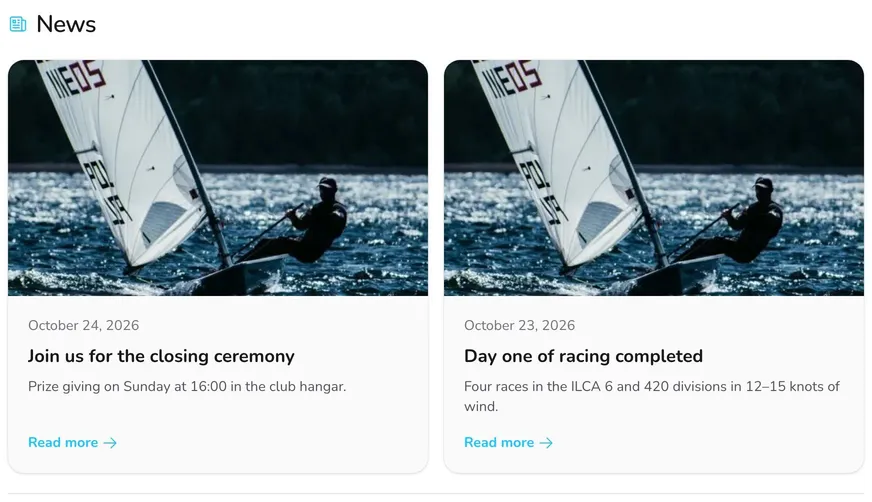
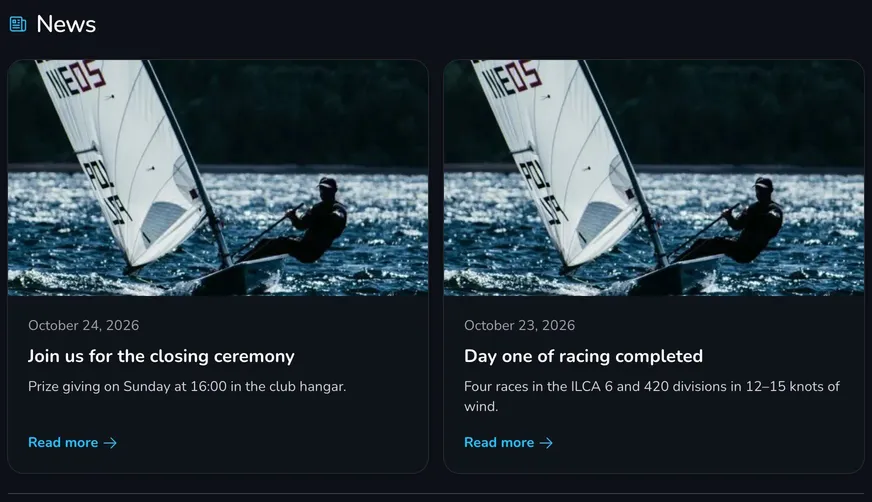
After clicking Read more, the participant opens a separate news page with the full article and the Back to regatta page button. The News section appears on the regatta page only after the first news is added.
Participants who enabled regatta notifications and selected New news article receive a notification about every new article.
Manage news
Section titled “Manage news”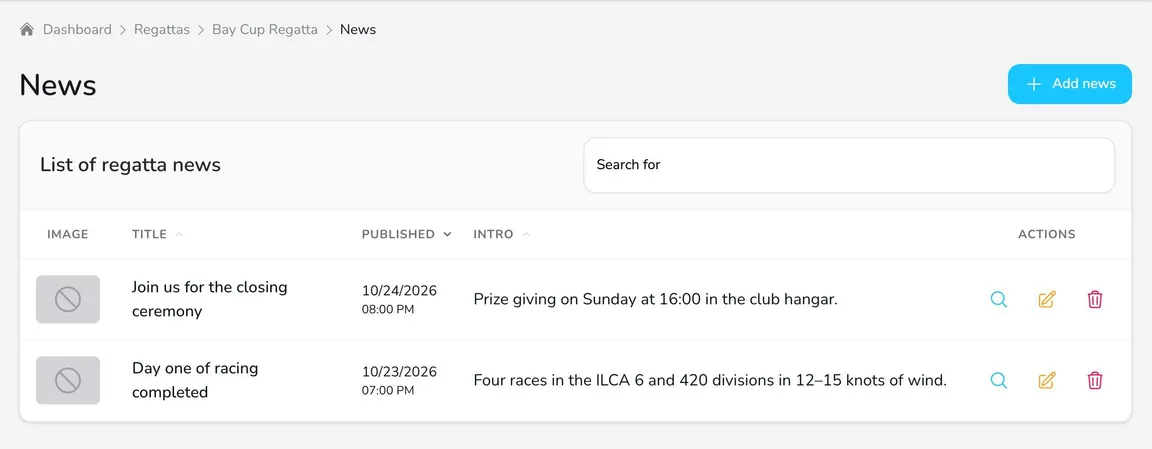
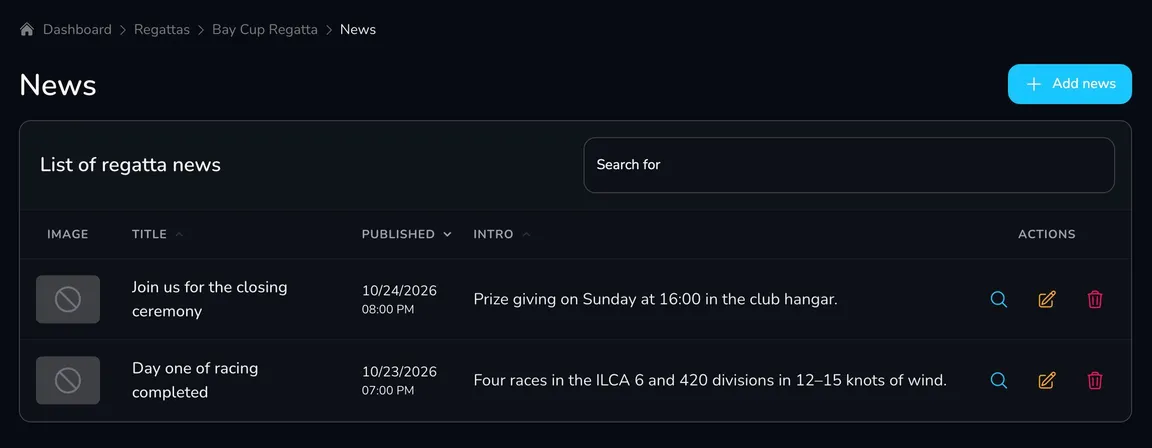
In the List of regatta news table you can:
- View – preview the article,
- Edit – correct the title, content, date or image,
- Delete – remove the article from the regatta page (after confirmation, it cannot be undone).
Questions and answers
Section titled “Questions and answers”Can I schedule news to be published later?
No. News is visible on the regatta page right after you save it. The Publication date sets the date shown on the tile and the order of the news on the list.
When should I publish a notice and when news?
Information that formally applies to participants – amendments to the sailing instructions, race committee decisions, calls for hearings – should be published as notices. News is for reports and general information.
What’s next?
Section titled “What’s next?”
Manage the regatta yourself with an easy-to-use online platform.
© 2026 Upwind24. All rights reserved.