
Results archive
Upwind24 collects the regatta and ranking results published on the platform, as well as archival results from earlier seasons. Based on them, every sailor in your crew gets their own results archive and global ranking position – without entering anything by hand.
Open the results archive
Section titled “Open the results archive”-
In the Crews section of the menu on the left, choose the crew from the list.
-
Click Results.
-
If the crew has several people, choose the sailor in the tabs above the chart (on a phone – in the Select sailor list).
What the Results tab shows
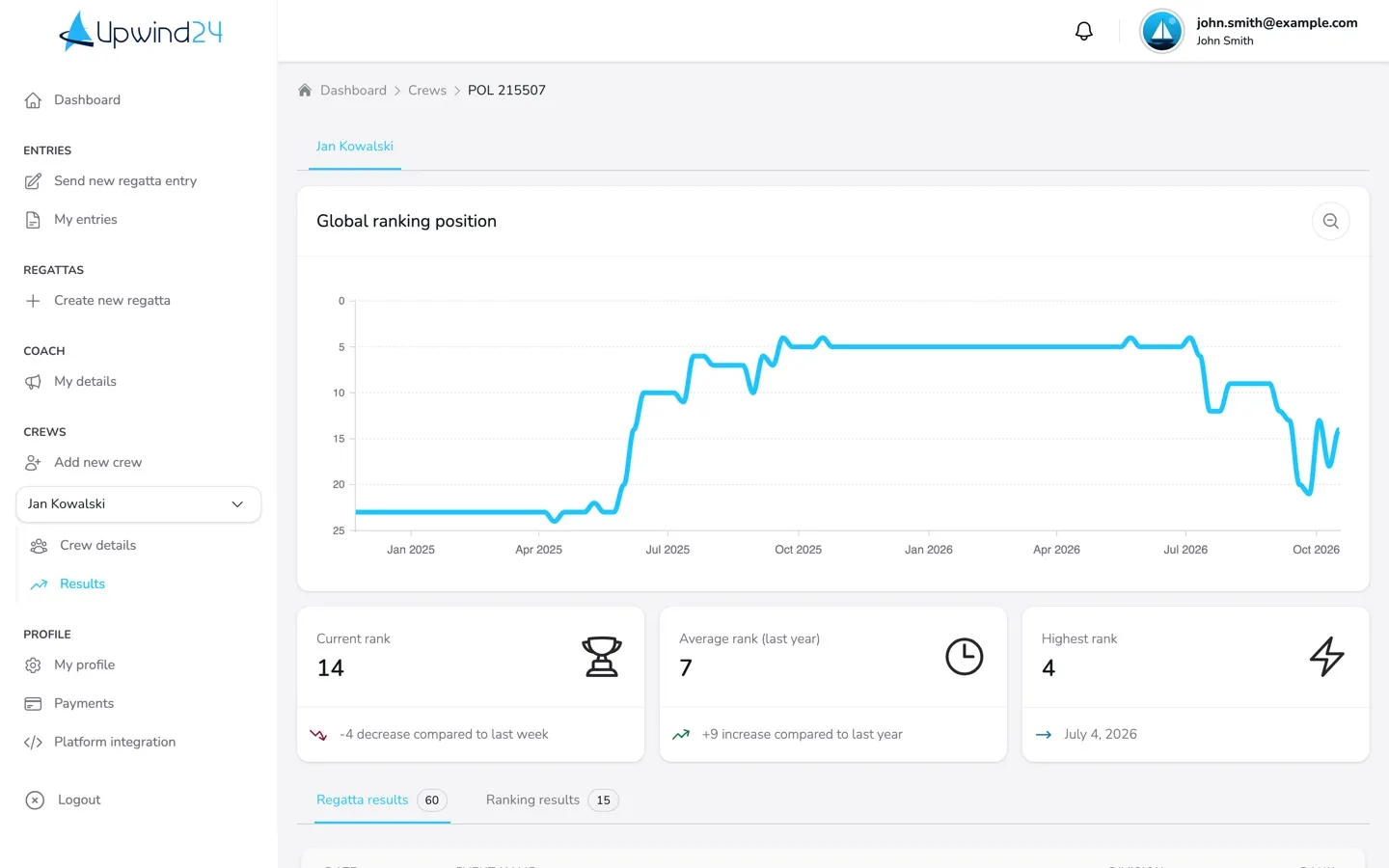
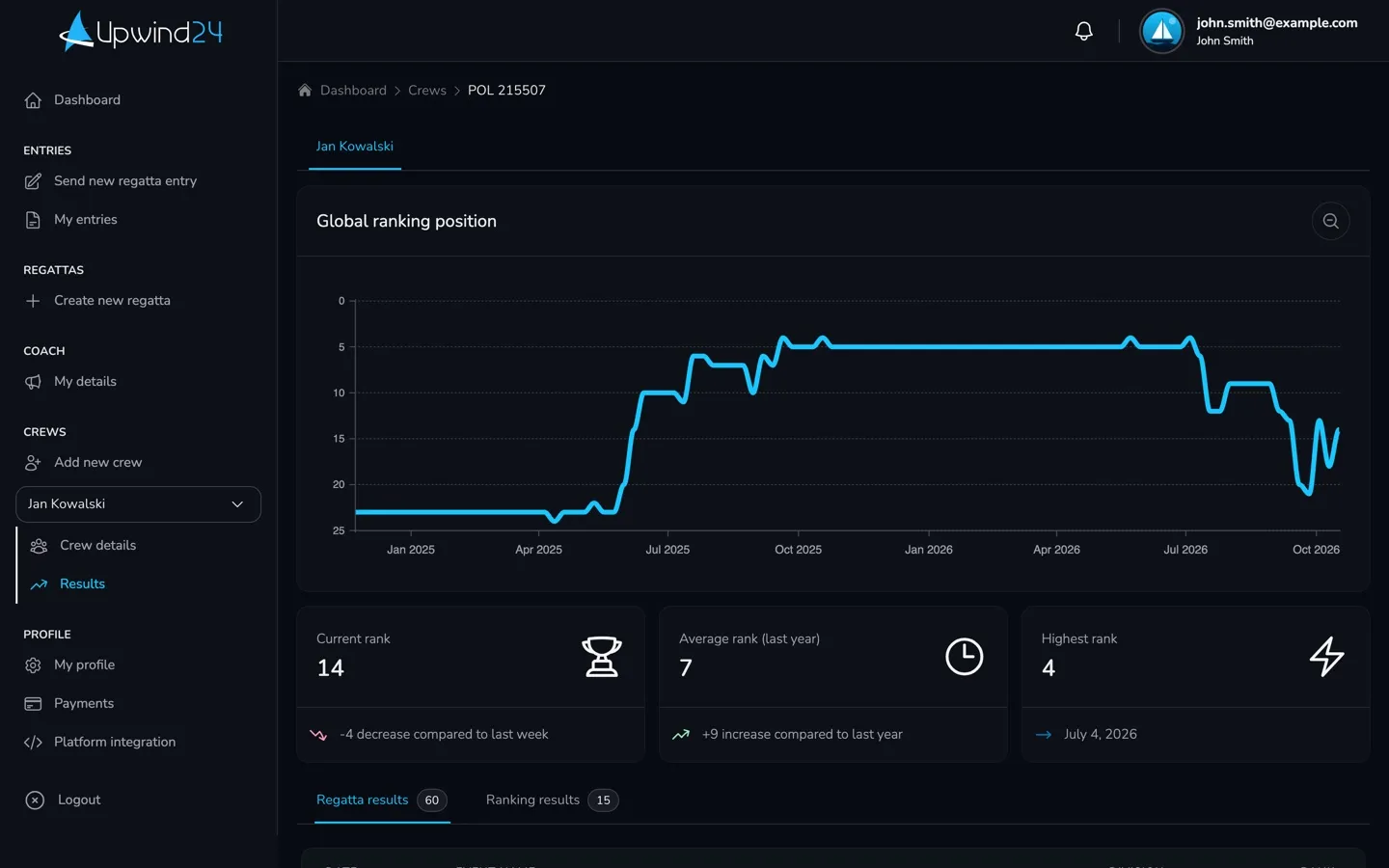
Section titled “What the Results tab shows”- Global ranking position – a chart of the sailor’s global ranking position week by week (over almost the last two years).
- Current rank – the current position compared with the previous week.
- Average rank (last year) – the average of the last 12 months compared with the year before.
- Highest rank – the best position ever, with its date.
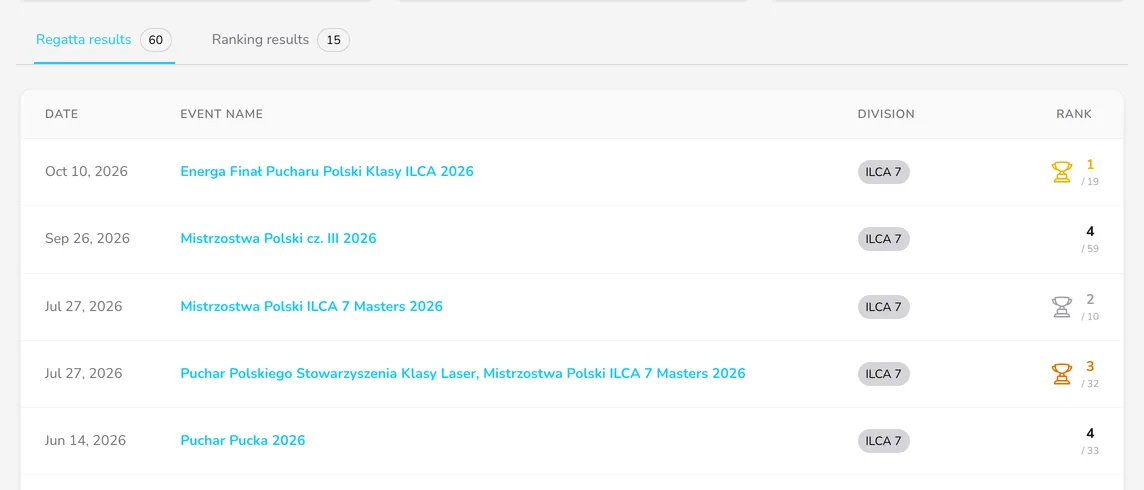
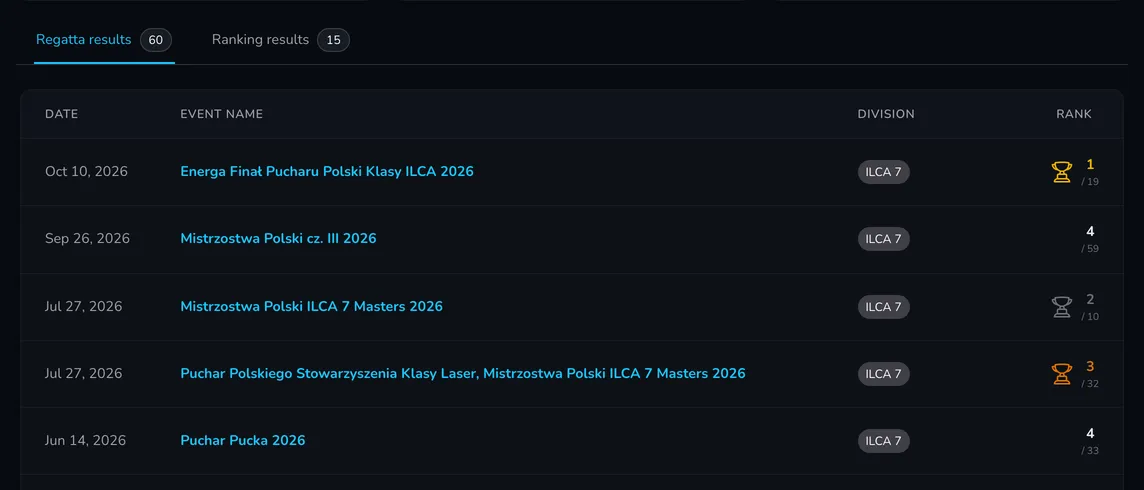
- Regatta results and Ranking results – tables with the date, event (or ranking) name, division and rank. The number next to the tab shows how many results were found. Podium places are marked with a trophy icon, and you can load more results with Load more results.
How is the global ranking calculated?
The global ranking is determined weekly from regatta results (ranking results are not taken into account). Results from the last 52 weeks count in full, older ones – up to 104 weeks back – count half, and even older ones are not considered. The points for a regatta depend on its grade, the boat class, the division type (divisions limited by age or gender count half) and the place. A division with a single entry gives no points.
How results get into the archive
Section titled “How results get into the archive”Results are assigned to a sailor automatically based on their identifiers – not on their name:
- World Sailing Sailor ID – if the sailor has a valid ID (e.g.
POLSK3), Upwind24 looks for the results assigned to that ID. - License – without a World Sailing Sailor ID, the license counts, in the format of a number ending with
/LZor/LA(e.g.1550/LZ). The license is only taken into account when the crew nationality is Poland.
The first name, last name, year of birth and club don’t affect how results are assigned. The archive includes the results of regattas published on Upwind24 (once they are over), the results of published rankings and results imported from archives. What counts are the identifiers entered in the entry for a given regatta, so it is worth providing the license and World Sailing Sailor ID in every entry.
Why is a result missing?
Section titled “Why is a result missing?”If Upwind24 can’t find any results, the tab shows the message No results available.
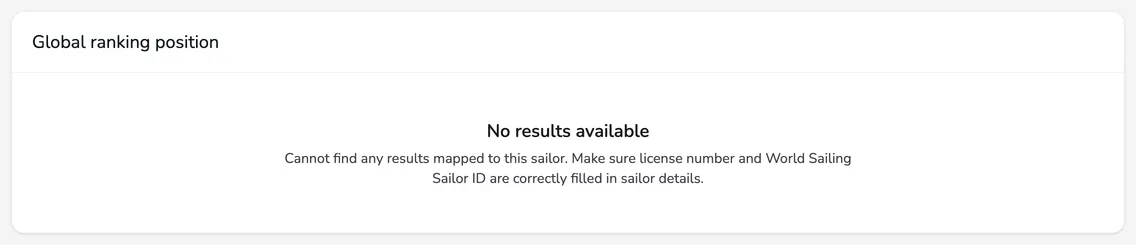

The most common reasons for missing results:
- Missing or wrong identifiers – the license or World Sailing Sailor ID is not in the sailor details or differs from the one in the results (e.g. a typo, a space in the license, a missing
/LZending). Fix them by editing the crew. - A license alone in a foreign crew – the license only works for crews with the Poland nationality. Sailors from other countries should provide their World Sailing Sailor ID.
- No identifiers in the entry – the entry for that regatta had neither a license nor a World Sailing Sailor ID, so the result can’t be assigned to the sailor.
- The regatta is not in the archive yet – the regatta isn’t over, the organizer hasn’t published the results, or the regatta took place outside Upwind24 and its results haven’t been imported.
- The sailor is not listed in the results – if only the skipper is listed in the regatta results, the result goes to the skipper’s archive only.
- The results are still being processed – see the note about the delay above.
Report a missing or incorrect result
Section titled “Report a missing or incorrect result”-
At the bottom of the Results tab, click Report invalid data on this page.
-
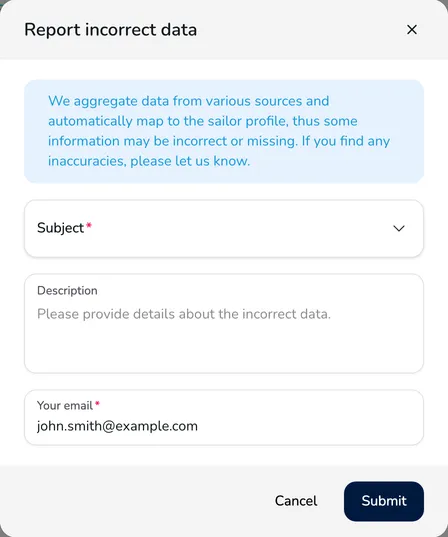
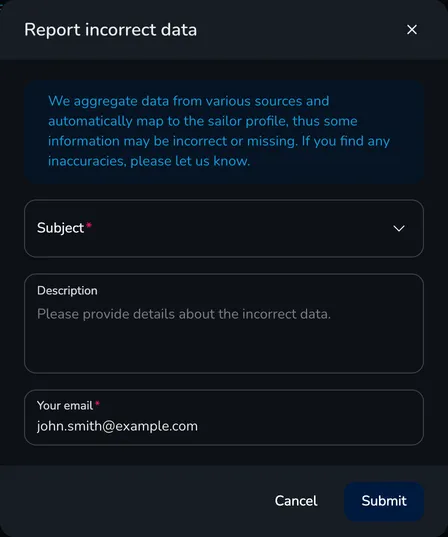
In the Report incorrect data window, choose the Subject: Missing result, Incorrect rank / score or Other.
-
In the Description field, provide the details – the sailor’s name, the regatta name and date, and the division. Check the address in the Your email field, which we reply to.
-
Click Submit. You see a thank-you message for reporting the issue.
Questions and answers
Section titled “Questions and answers”Who can see my results?
Regatta results are public – besides the crew Results tab, you can find them on the public competitor profile, available through the competitor search. The profile shows the nationality, World Sailing Sailor ID, club, year of birth, gender and the regatta and ranking results. The license number is not displayed there.
My results are split between two profiles. What should I do?
Open your profile in the competitor search, click Report invalid data on this page and choose the Duplicate profile subject. Point to the other profile in the description – the Upwind24 team will review the report and correct the data.

Manage the regatta yourself with an easy-to-use online platform.
© 2026 Upwind24. All rights reserved.