Recovering your account password
Forgot your password? You can set a new one in a few moments – all you need is access to the mailbox your account was created with.
Request a password reset
Section titled “Request a password reset”-
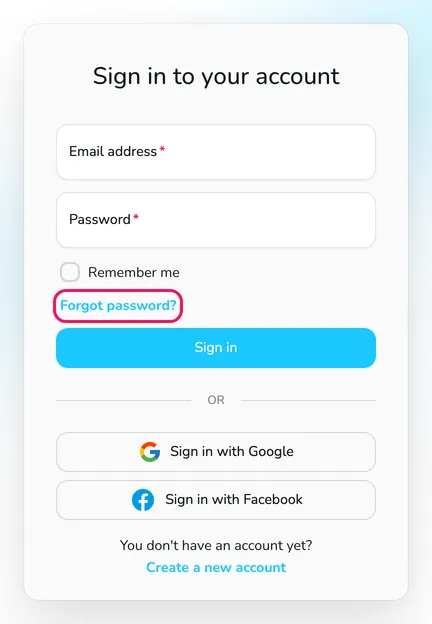
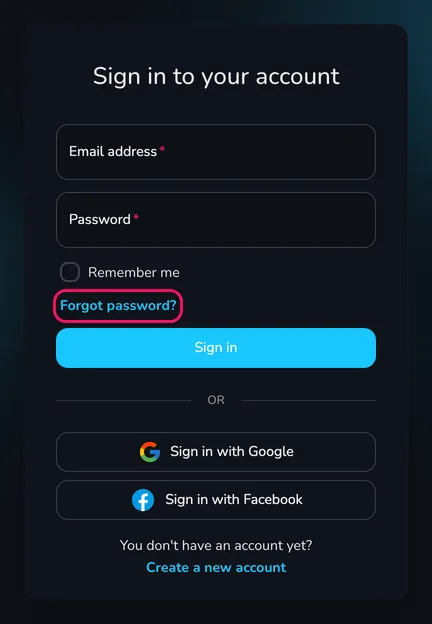
Open the Login page and click Forgot password? below the form fields.
-
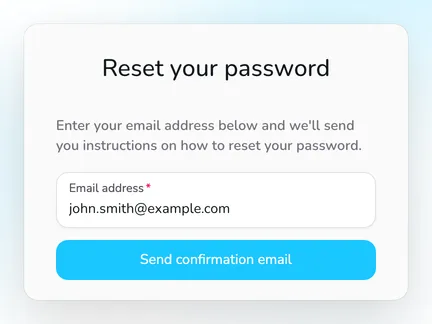
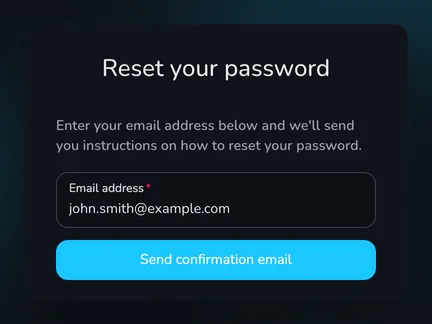
On the Reset your password page, enter the Email address of your account and click Send confirmation email.
-
You see the message An email has been sent with password reset instructions. and receive the e-mail Reset your Upwind24 password.
Set a new password
Section titled “Set a new password”-
Open the e-mail from Upwind24 and click the Reset My Password button.
-
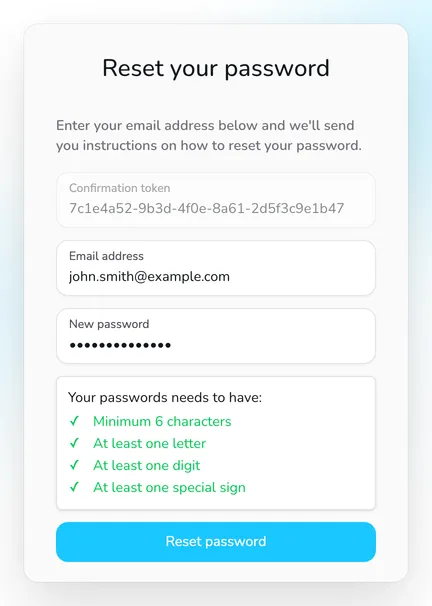
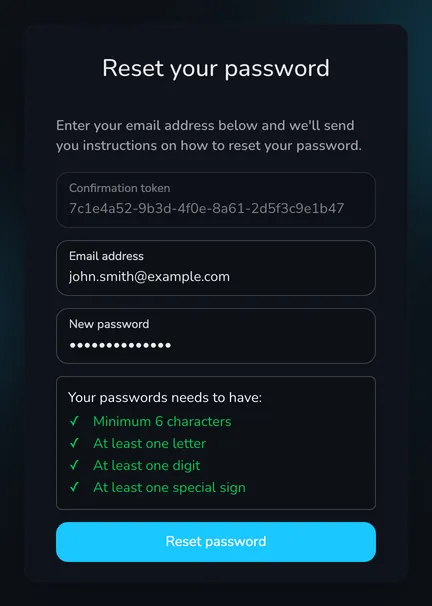
On the Reset your password page, the Confirmation token field is already filled in. Enter the Email address of your account and your New password. The password must meet the same requirements as when signing up: at least 6 characters, at least one letter, one digit and one special sign.
-
Click Reset password.
Once the password is changed, you see the message Your password has been reset successfully. You have been signed in to the account. and Upwind24 takes you to the user panel. Use the new password the next time you sign in.
Questions and answers
Section titled “Questions and answers”My account was created with Google or Facebook. Can I also sign in with a password?
Yes. An account created with Google or Facebook has no password you know – but you can set one. Request a password reset for the e-mail address of your Google or Facebook account and set a new password following the steps above. From then on, you can sign in both with the password and with the Google or Facebook button.
I don’t receive the password reset e-mail. What should I do?
Check your spam folder and the promotions or updates tabs of your mailbox. Make sure you enter the e-mail address you sign in with – the message is sent only to the address assigned to the account. If you still can’t see it, let us know using the contact form.
Manage the regatta yourself with an easy-to-use online platform.
© 2026 Upwind24. All rights reserved.