

Regatta entries
There are two ways to enter a regatta: from the user panel – the fastest one once you have saved crews – or with the form on the regatta page, even without an account.
-
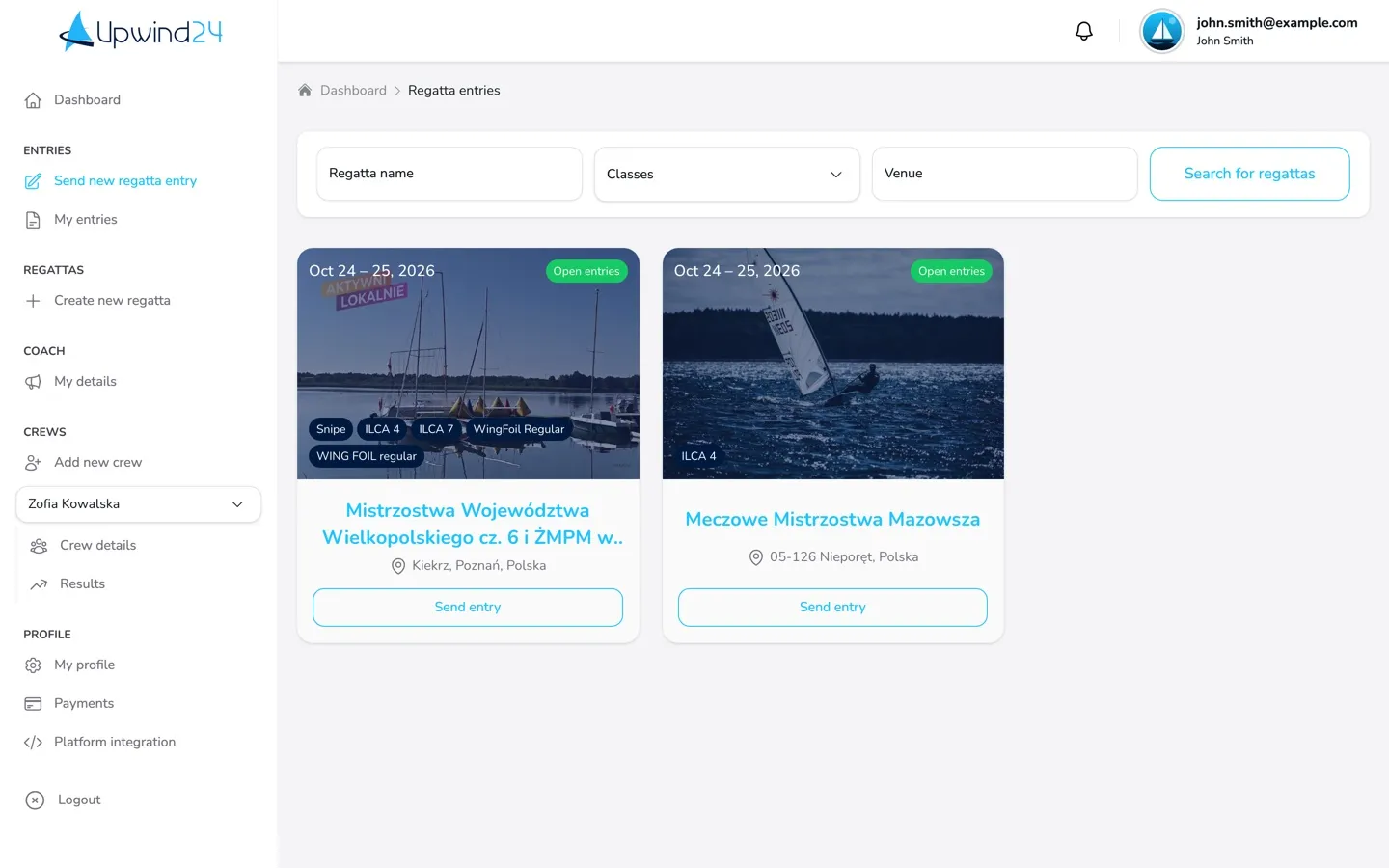
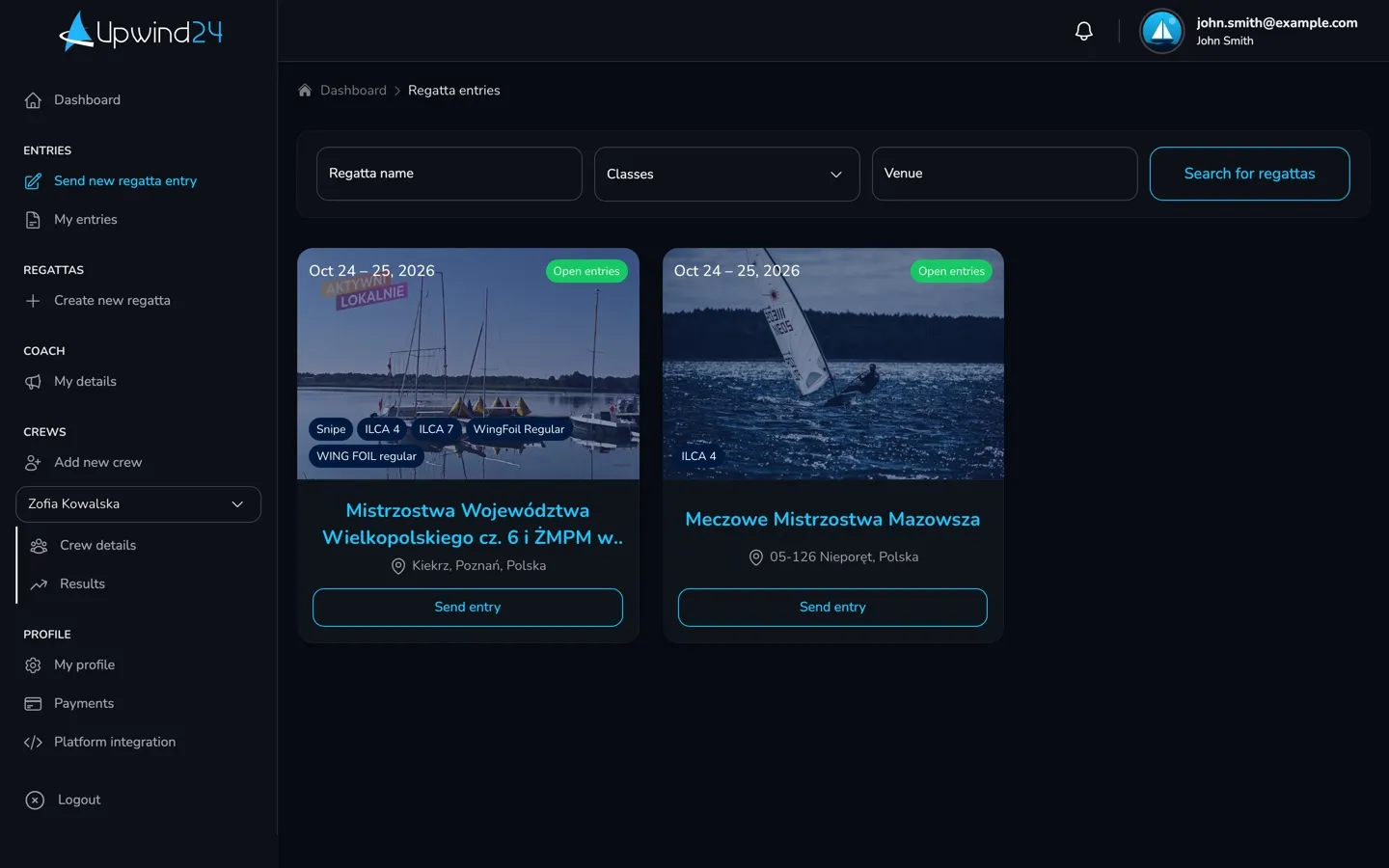
Open Entries → Send new regatta entry. The list shows all regattas with open entries – narrow it down with the Regatta name, Classes and Venue fields and the Search for regattas button.
-
Next to the selected regatta, click Send entry.
-
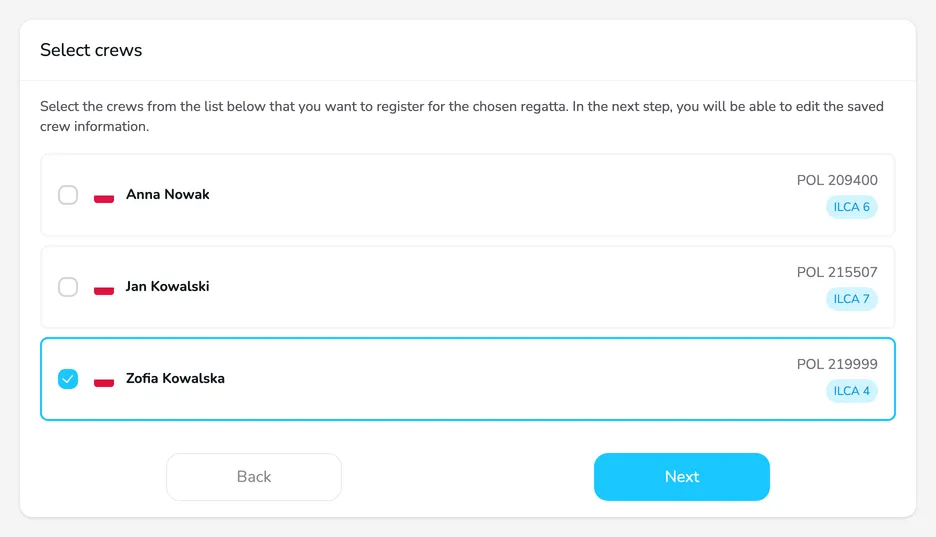
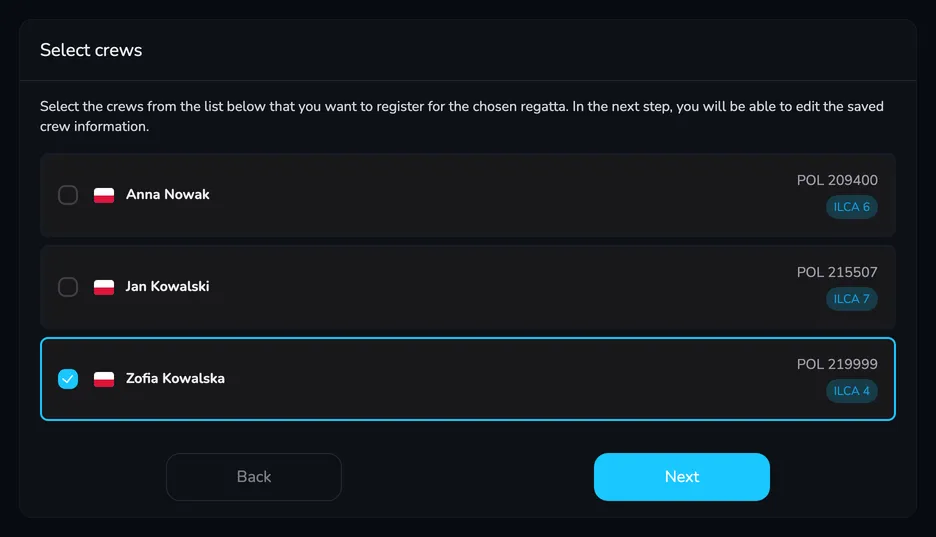
Select crews – tick one or more crews and click Next.
-
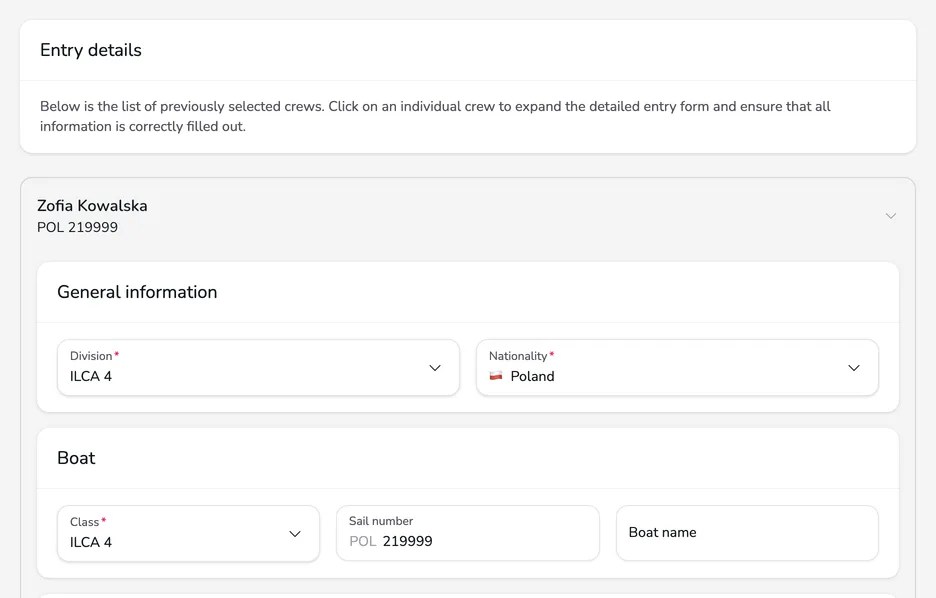
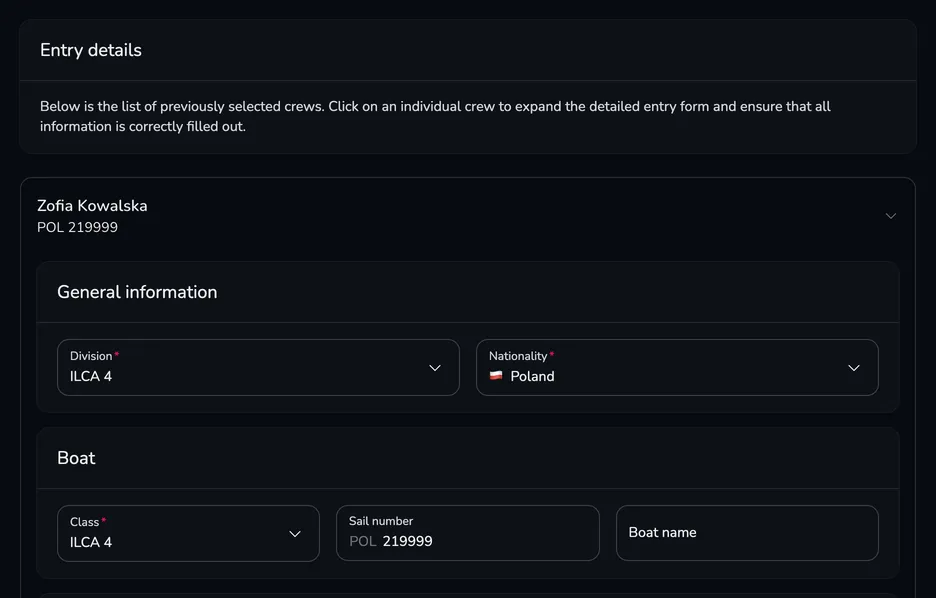
Entry details – the form of each crew is already filled in with its details. Choose the Division, check the fields marked with an asterisk (the organizer decides which ones are required, e.g. the license or the club), accept the terms and click Next.
-
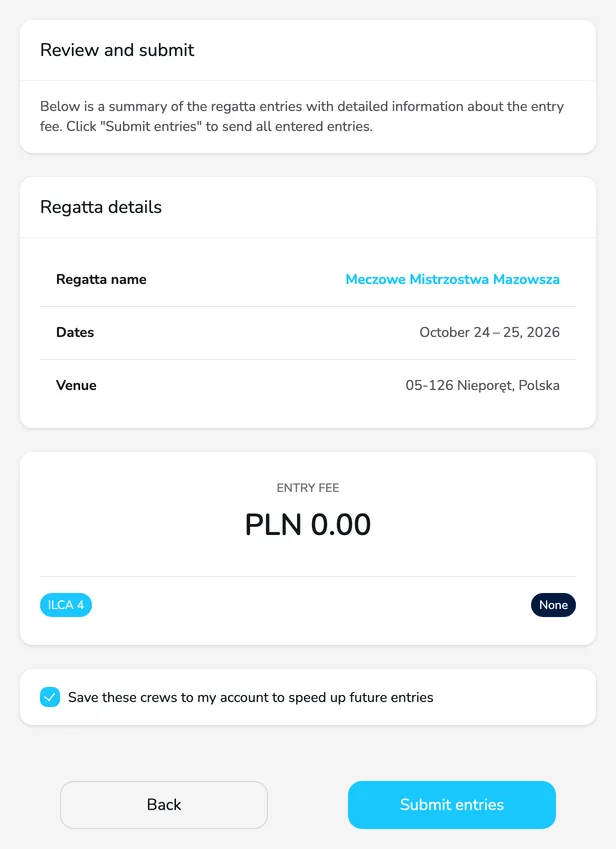
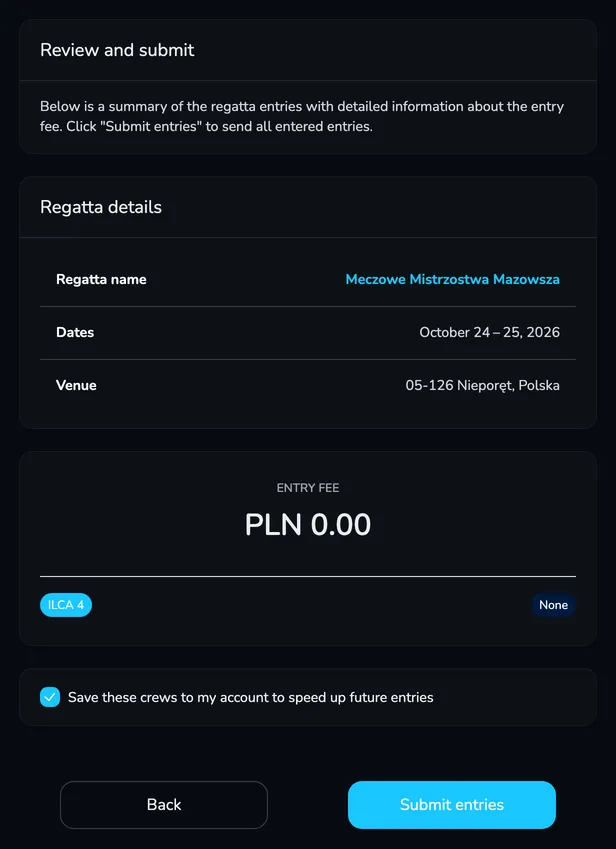
Review and submit – check the regatta details and the Entry fee. Keep Save these crews to my account to speed up future entries ticked if the changes made in the previous step should be saved to your crews. Click Submit entries.
Once sent, you see the message Your entries have been successfully submitted. and Upwind24 opens the entry details in My entries.
-
Find the regatta in the regatta list (or open the link from the organizer) and on the regatta page, click Send an entry form. The button is shown while the entries are open.


-
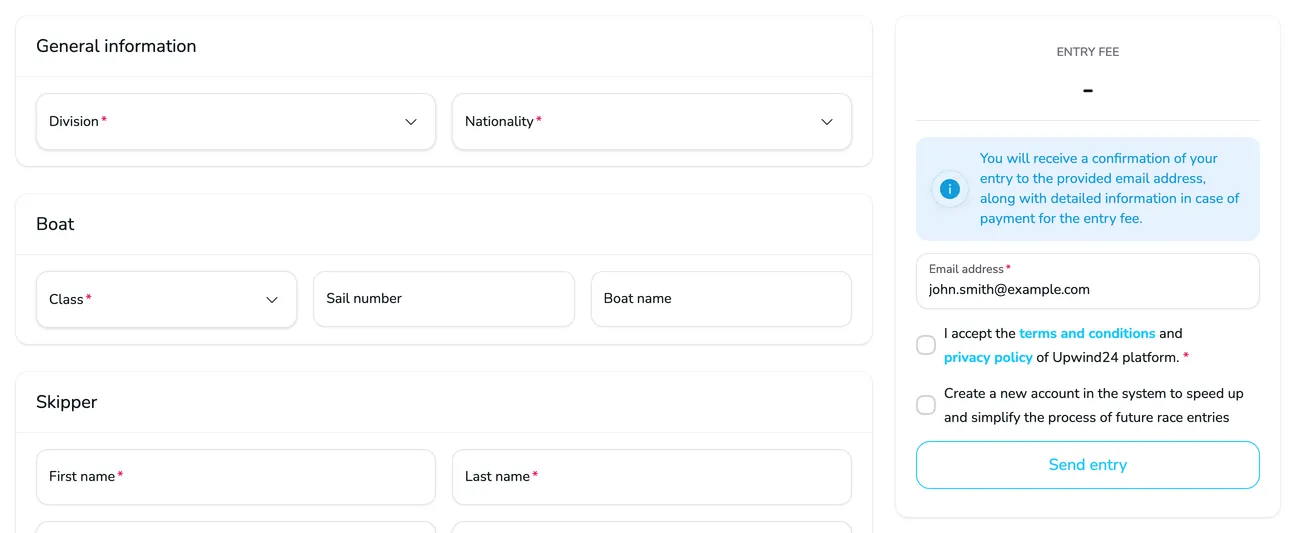
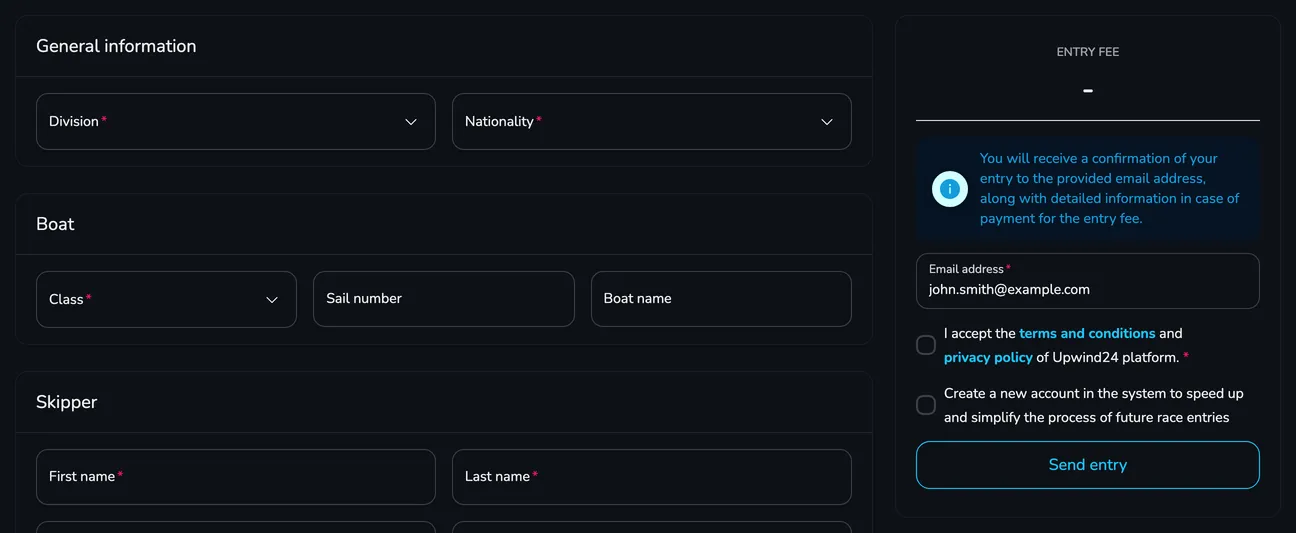
Fill in the form: General information (division and nationality), Boat, Skipper and Crew members (add more people with the Add button). The fields marked with an asterisk are required. If the organizer issues invoices, the form also contains an Invoice details card.
-
In the panel on the right, check the Entry fee (shown once you choose the division), enter your e-mail address – the entry confirmation is sent there – and accept the terms.
-
Click Send entry. You see Thank you for entering the regatta! and receive an e-mail with the confirmation and the generated entry form.
After sending the entry
Section titled “After sending the entry”- You receive an e-mail with the entry confirmation and the generated entry form.
- If the organizer accepts online payments, the entry details show an Entry fee summary with the Proceed to payment button. Only the person who submitted the entry can pay the fee. Your payment history is in Profile → Payments.
- The entry appears in the regatta entry list – in the Entries tab of the regatta page.
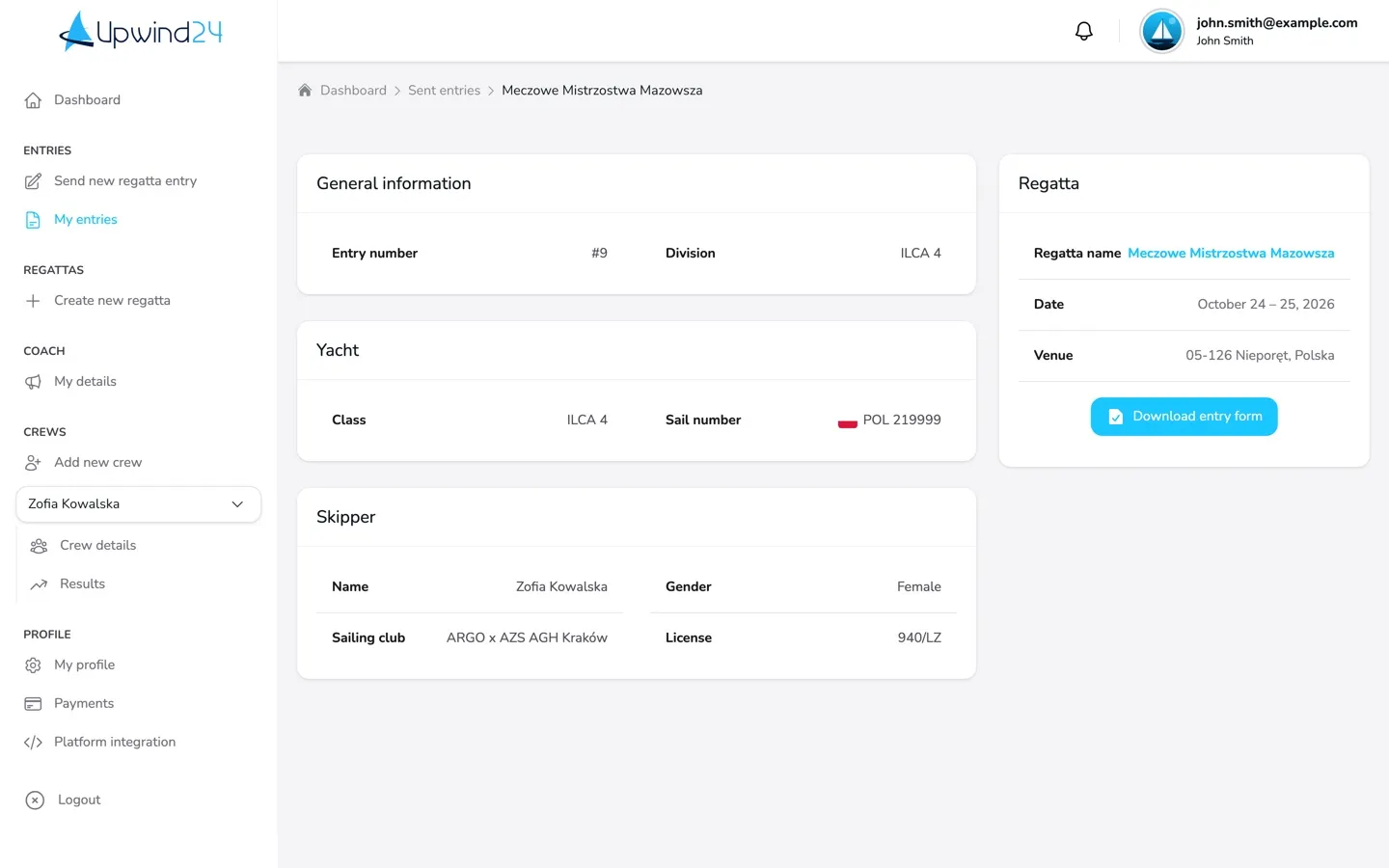
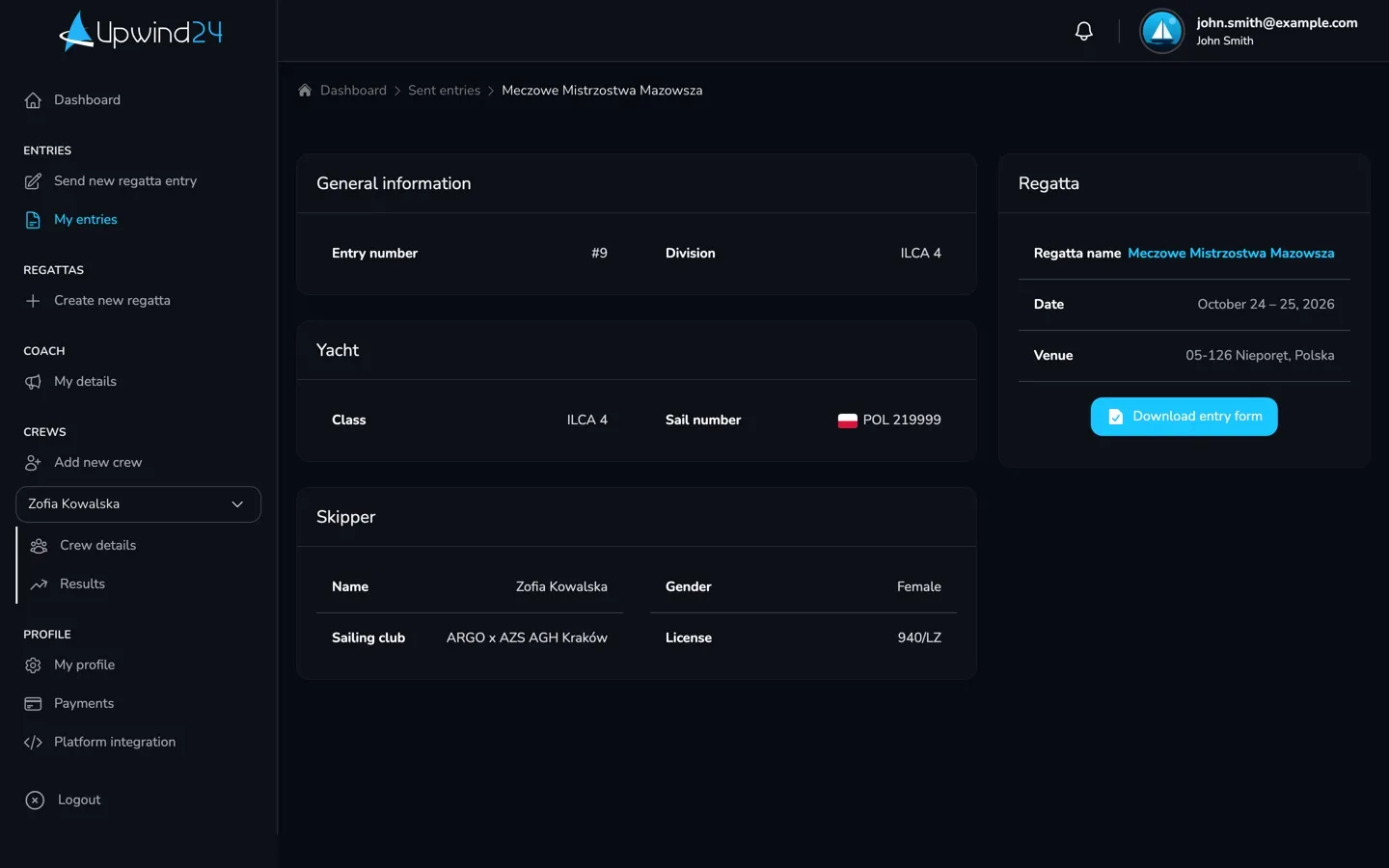
- All your entries are in Entries → My entries. Click View entry to see its details and download the form with the Download entry form button.
Questions and answers
Section titled “Questions and answers”How do I correct the details of a sent entry?
You can’t edit a sent entry yourself – the details in My entries are read-only. Contact the organizer with the Contact the organizer button on the regatta page and describe what needs to change.
I can’t find the regatta in “Send new regatta entry”. Why?
The list only shows regattas whose entries are open right now. If the entry period hasn’t started yet or is already over, the regatta isn’t listed – you can find the entry deadlines in the Information tab of the regatta page.
Next steps
Section titled “Next steps”

Manage the regatta yourself with an easy-to-use online platform.
© 2026 Upwind24. All rights reserved.